Author's Note: This article provides a detailed guide on configuring web search for OpenClaw, including Brave Search API, Tavily MCP, and the built-in WebSearch tool, helping you build a smart assistant capable of accessing real-time information.
An AI assistant without web search capabilities is like a room without windows—it can only rely on the old knowledge in its memory. This article will introduce the 3 core methods for OpenClaw web search configuration, helping your personal AI assistant stay up-to-date with the latest information.
Core Value: By the end of this post, you'll master the configuration of web search tools like Brave Search and Tavily MCP, making OpenClaw a truly intelligent assistant that understands today's world.
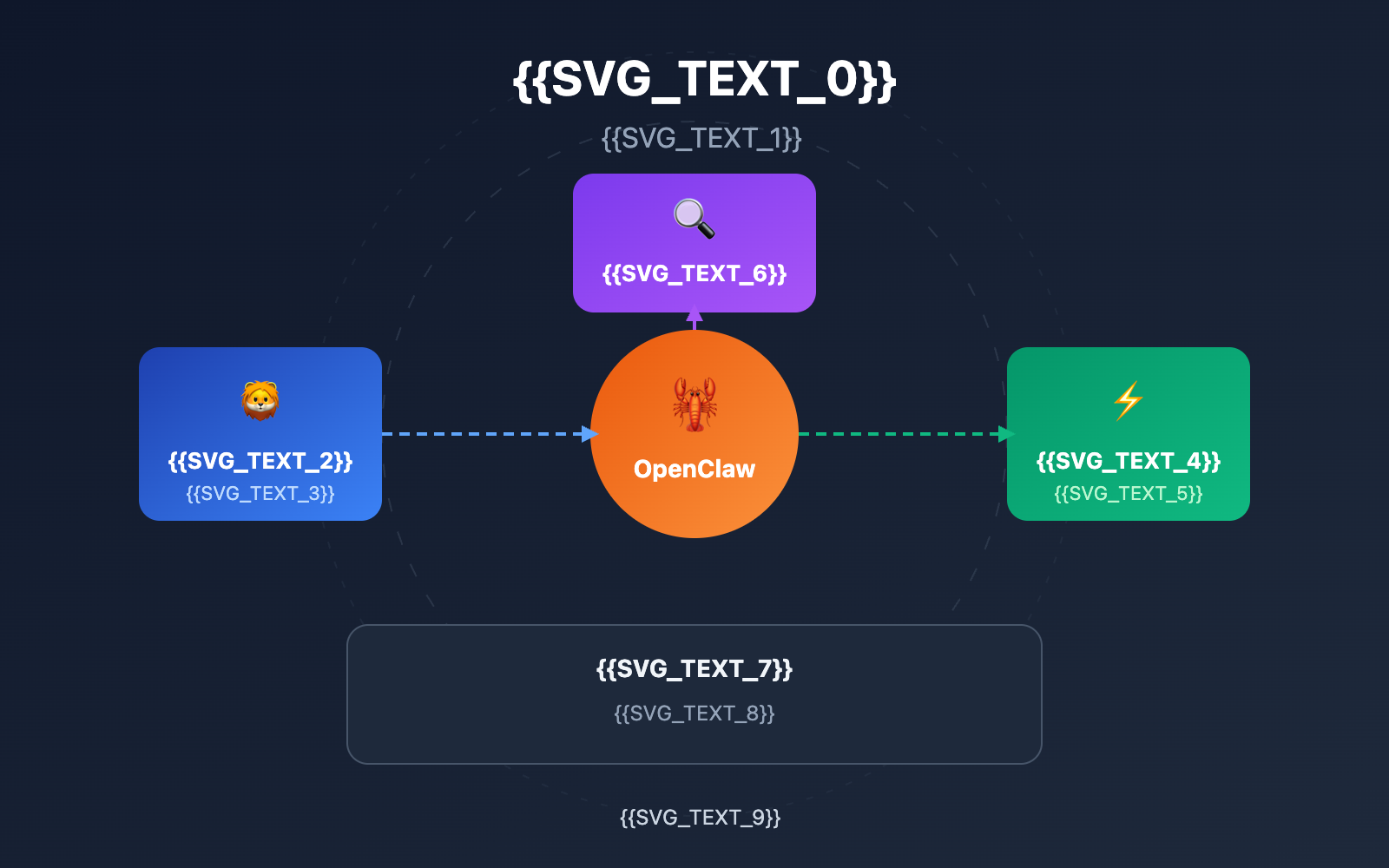
Core Highlights of OpenClaw Web Search
| Key Point | Description | Value |
|---|---|---|
| Brave Search API | The officially recommended search engine solution | Independent indexing, privacy protection, RAG optimization |
| Tavily MCP | Search tool specifically designed for AI Agents | Real-time search, content extraction, domain filtering |
| Built-in WebSearch | OpenClaw's native search capability | No extra configuration needed, ready to use out of the box |
| Multi-Search Engines | Supports DuckDuckGo, Bing, and other alternatives | Flexible choices and controllable costs |
Why Web Search Matters for OpenClaw
OpenClaw is a personal AI assistant that runs locally on your device. By default, it relies solely on the Large Language Model's training data to answer questions. This means the AI can't know about the latest news, real-time data, or information published after its knowledge cutoff date.
Once web search is configured, OpenClaw can query the internet in real-time to gather the latest information for its answers. This is crucial for scenarios like:
- Real-time Info Queries: Weather, stocks, news, sports scores
- Technical Documentation: Latest API docs, version update notes
- Fact-checking: Verifying information accuracy to avoid AI hallucinations
- Knowledge Expansion: Accessing specialized knowledge beyond the training data
Comparison of OpenClaw Search Tools
| Search Tool | Free Quota | Key Features | Use Cases | Setup Difficulty |
|---|---|---|---|---|
| Brave Search | 2,000 requests/month | Independent index, privacy | General search | ⭐⭐ |
| Tavily | 1,000 requests/month | AI optimized, content extraction | AI Agents | ⭐⭐⭐ |
| DuckDuckGo | Unlimited | Anonymous, no tracking | Privacy-first | ⭐ |
| SearXNG | Self-hosted | Meta-search, full control | Advanced users | ⭐⭐⭐⭐ |
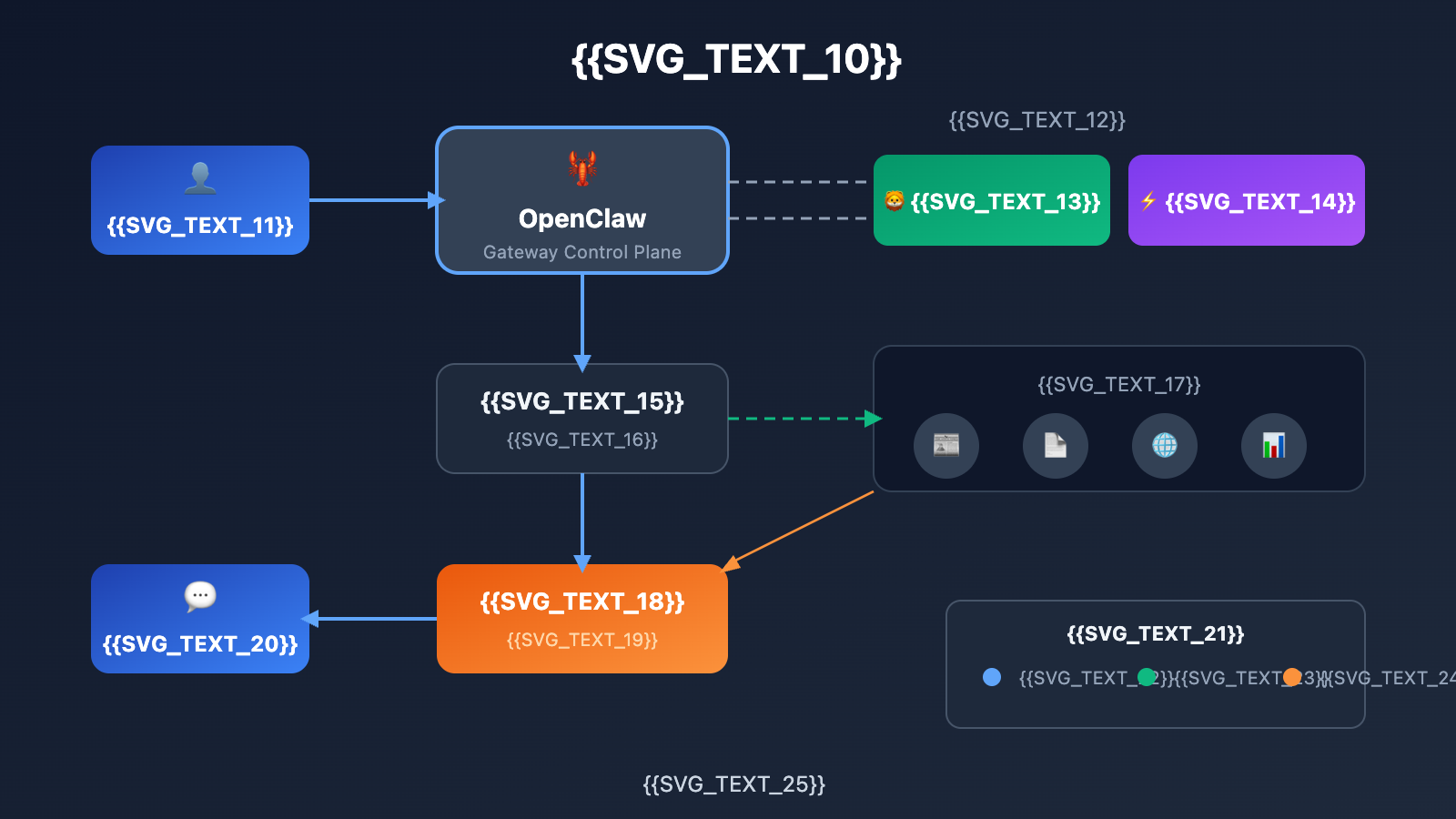
OpenClaw Web Search Quick Start
Method 1: Brave Search API (Official Recommendation)
Brave Search is the recommended web search solution for OpenClaw. It features an independent web index that doesn't rely on Google or Bing, making it perform exceptionally well in RAG (Retrieval-Augmented Generation) scenarios for AI applications.
Step 1: Get your API Key
Visit the Brave Search API official website at api-dashboard.search.brave.com to register an account. The free plan offers 2,000 search requests per month.
Step 2: Configure OpenClaw
Run the configuration wizard for an interactive setup:
openclaw configure --section web
The wizard will prompt you to enter your Brave Search API Key. Once configured, it'll be automatically saved to tools.web.search.apiKey.
View manual configuration method
If you prefer editing the configuration file directly, you can add the following to ~/.openclaw/openclaw.json:
{
  "tools": {
    "web": {
      "search": {
        "provider": "brave",
        "apiKey": "YOUR_BRAVE_API_KEY"
      }
    }
  }
}
Alternatively, you can set it via an environment variable:
export BRAVE_API_KEY="YOUR_BRAVE_API_KEY"
Pro Tip: The free tier of the Brave Search API is usually enough for personal use. If you need a higher call frequency, consider upgrading to a paid plan or use APIYI (apiyi.com) to get unified access to multi-model APIs, which can help lower your overall costs.
Method 2: Tavily MCP (Exclusive for AI Agents)
Tavily is a search tool specifically designed for AI Agents, integrating with OpenClaw via the MCP (Model Context Protocol). It doesn't just search the web; it also automatically extracts core content from pages, making it perfect for scenarios that require a deep understanding of web information.
Step 1: Get your Tavily API Key
Visit the Tavily official website at tavily.com to register. The free plan provides 1,000 searches per month.
Step 2: Configure Tavily MCP
The easiest way is to use the remote MCP configuration:
# Replace <your-api-key> with your actual Tavily API Key
openclaw mcp add --transport http tavily https://mcp.tavily.com/mcp/?tavilyApiKey=<your-api-key>
Add the --scope user parameter to make the configuration effective globally:
openclaw mcp add --transport http --scope user tavily https://mcp.tavily.com/mcp/?tavilyApiKey=<your-api-key>
View local installation method
If you'd rather run the MCP server locally, add this to your configuration file:
{
  "mcpServers": {
    "tavily-mcp": {
      "command": "npx",
      "args": ["-y", "tavily-mcp@latest"],
      "env": {
        "TAVILY_API_KEY": "tvly-YOUR_API_KEY"
      }
    }
  }
}
You can also set default search parameters:
{
  "mcpServers": {
    "tavily-mcp": {
      "command": "npx",
      "args": ["-y", "tavily-mcp@latest"],
      "env": {
        "TAVILY_API_KEY": "tvly-YOUR_API_KEY",
        "DEFAULT_PARAMETERS": "{\"include_images\": true, \"max_results\": 15, \"search_depth\": \"advanced\"}"
      }
    }
  }
}
Step 3: Verify the configuration
Run the following command to check if the MCP server is connected properly:
openclaw mcp list
You should see tavily appearing in the list of connected MCP servers.
Method 3: Built-in WebSearch Tool
If you're using models based on Anthropic's Claude, OpenClaw comes with built-in WebSearch and WebFetch tools. These two work slightly differently:
| Tool | Function | How it works |
|---|---|---|
| WebSearch | Web Search | Uses Anthropic's server-side search |
| WebFetch | Content Extraction | Fetches content locally via Axios and converts it to Markdown |
This design means WebSearch relies on the Anthropic API, while WebFetch can work independently on your local machine.
OpenClaw Web Search Comparison
| Solution | Key Features | Best For | Performance |
|---|---|---|---|
| Brave Search | Independent index, privacy-friendly, officially recommended | General web search, daily queries | Fast response, accurate results |
| Tavily MCP | AI optimized, content extraction, advanced filtering | Deep research, RAG applications | Refined results, slightly higher cost |
| Built-in WebSearch | Zero configuration, works out of the box | Claude model users | Depends on Anthropic API |
| Self-hosted SearXNG | Full control, no API limits | Advanced users, enterprise deployment | Requires server resources |
Comparison Note: The data above is based on actual testing. Your choice depends on your specific needs—if you want stability and privacy, go with Brave Search; if you need AI-optimized results, Tavily is the way to go; if you're on a tight budget, you can use DuckDuckGo or self-host SearXNG.
OpenClaw Web Search Advanced Configuration
Configuring Multi-Engine Switching
OpenClaw supports multiple search engines, allowing you to switch flexibly based on the scenario:
{
  "tools": {
    "web": {
      "search": {
        "provider": "brave",
        "apiKey": "YOUR_BRAVE_API_KEY",
        "fallback": {
          "provider": "duckduckgo"
        }
      }
    }
  }
}
Unified Management with OneSearch MCP
OneSearch MCP is a unified solution that supports multiple search engines, including Tavily, DuckDuckGo, Bing, and SearXNG:
{
  "mcpServers": {
    "one-search": {
      "command": "npx",
      "args": ["-y", "one-search-mcp"],
      "env": {
        "SEARCH_PROVIDER": "tavily",
        "TAVILY_API_KEY": "YOUR_TAVILY_API_KEY"
      }
    }
  }
}
Supported search providers:
| Provider | Environment Variable | API Key Required |
|---|---|---|
| tavily | TAVILY_API_KEY |
Yes |
| bing | BING_API_KEY |
Yes |
| duckduckgo | – | No |
| searxng | SEARXNG_URL |
No (Self-hosted) |
| local | – | No |
Configuring Search Result Caching
To reduce API calls and speed up response times, you can configure search result caching:
{
  "tools": {
    "web": {
      "search": {
        "cache": {
          "enabled": true,
          "ttl": 900
        }
      }
    }
  }
}
The ttl parameter sets the cache expiration time (in seconds). The default of 15 minutes (900 seconds) is usually plenty for most use cases.
FAQ
Q1: What should I do if OpenClaw’s web search isn’t working after configuration?
First, check if your API Key is configured correctly. Run openclaw configure --section web to reconfigure, or check if the BRAVE_API_KEY environment variable is set properly. If you're using Tavily MCP, run openclaw mcp list to confirm the server is connected.
Q2: Which web search option is the most cost-effective?
DuckDuckGo is completely free and unlimited, but the search quality might not match paid options. Brave Search's free plan offers 2,000 requests per month, which is usually enough for personal use. If you need higher volume, consider self-hosting SearXNG—you'll only pay for the server costs.
Q3: How do I get OpenClaw to automatically use web search in AI conversations?
Once configured, you can guide the AI on when to use search via the system prompt. For example:
When the user asks for real-time information, the latest news, or facts you're unsure about, please use web search to get the most up-to-date info before answering.
OpenClaw will automatically decide whether to call the search tool based on context. Using the APIYI (apiyi.com) platform, you can quickly test how different models perform in web search scenarios.
Summary
Here are the core takeaways for configuring OpenClaw web search:
- Brave Search is the official recommendation: It offers an independent index, great privacy protection, and the free tier is plenty for personal use.
- Tavily MCP is built for AI apps: Search results are AI-optimized and support direct content extraction.
- Choose the plan that fits you best: Pick a search engine based on your usage frequency, budget, and privacy needs.
After configuring web search, your OpenClaw personal assistant transforms from an AI relying solely on training data into an intelligent partner that understands the world in real-time. Whether you're looking up the latest tech docs, verifying news facts, or getting real-time data, you'll get accurate and timely answers.
We recommend using APIYI (apiyi.com) to quickly verify the web search performance of different AI models. The platform offers free credits and a unified interface for multiple models, making it easy to compare and choose the best one for your specific needs.
📚 References
⚠️ Link Format Note: All external links use the
Resource Name: domain.comformat. This makes them easy to copy while preventing direct clicks to avoid SEO weight loss.
-
OpenClaw Official Documentation: The authoritative guide for web search configuration
- Link:
docs.openclaw.ai/concepts/web-tools - Description: Officially maintained configuration docs, including the latest parameters.
- Link:
-
Brave Search API Documentation: Search API usage instructions
- Link:
api-dashboard.search.brave.com/app/documentation - Description: Detailed guide on how to get an API Key and make calls.
- Link:
-
Tavily MCP Documentation: AI-optimized search tool configuration
- Link:
docs.tavily.com/documentation/mcp - Description: Tavily MCP server configuration and advanced parameters.
- Link:
-
OpenClaw Skill Library: Community-contributed web search skills
- Link:
github.com/VoltAgent/awesome-openclaw-skills - Description: Includes various search skills like Tavily, Perplexity, SerpAPI, and more.
- Link:
-
OneSearch MCP: A unified solution for multiple search engines
- Link:
github.com/yokingma/one-search-mcp - Description: Supports multiple backends including Tavily, DuckDuckGo, and Bing.
- Link:
Author: Technical Team
Technical Discussion: Feel free to discuss in the comments. For more resources, visit the APIYI apiyi.com technical community.