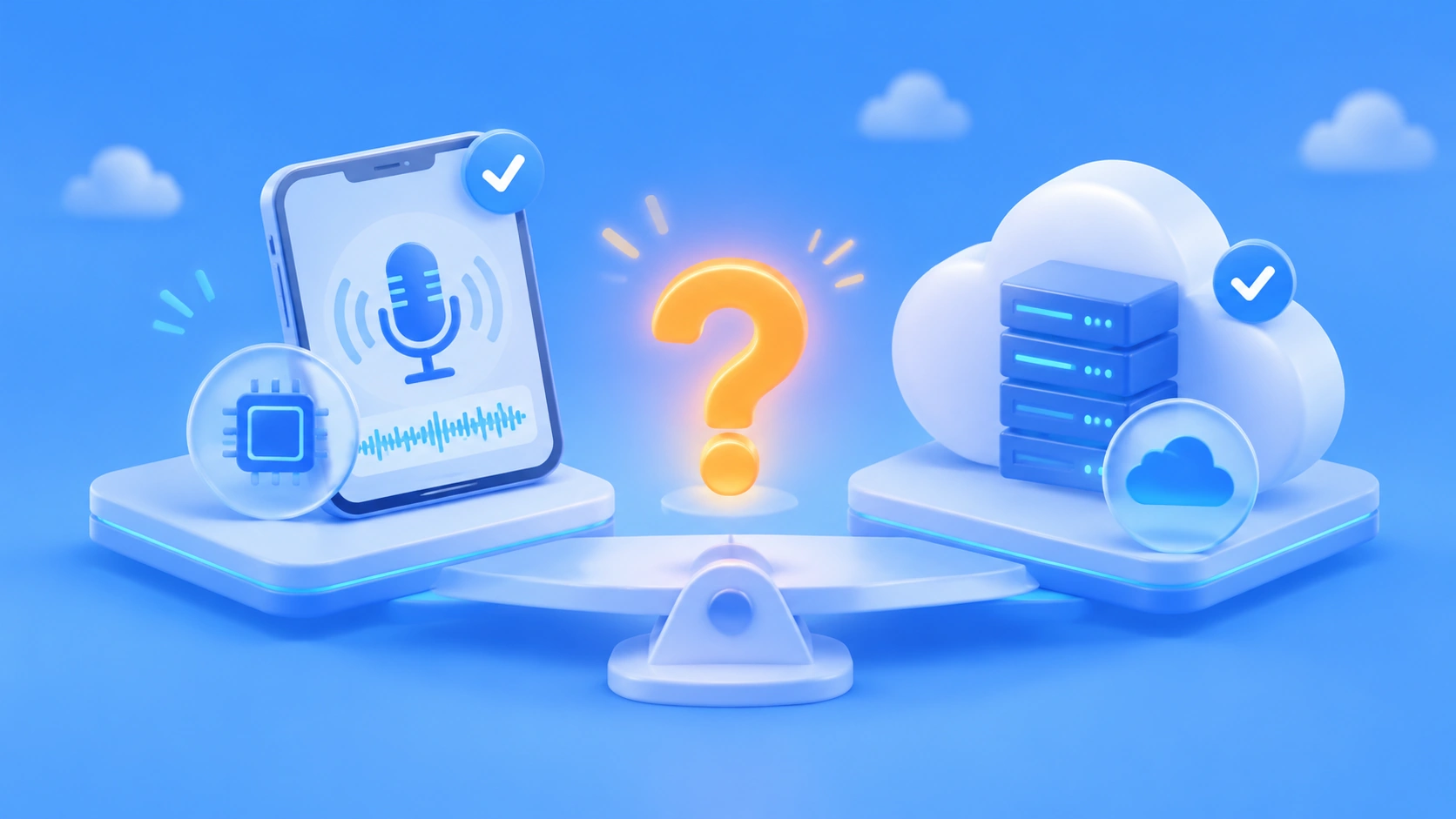
Author’s note: Once phones and browsers can synthesize speech locally, do you still need a cloud speech API? This article gives you a verdict across four dimensions: offline use, privacy, audio quality and long-form speech, and specifying a model with unified billing.
More and more phone operating systems and browsers can read text aloud locally. For teams building voice products, now that on-device speech is here, do you still need a cloud speech API? is a question you can’t avoid. Some argue for moving everything local to save on invocation costs. Others worry that local voices aren’t good enough for a production product.
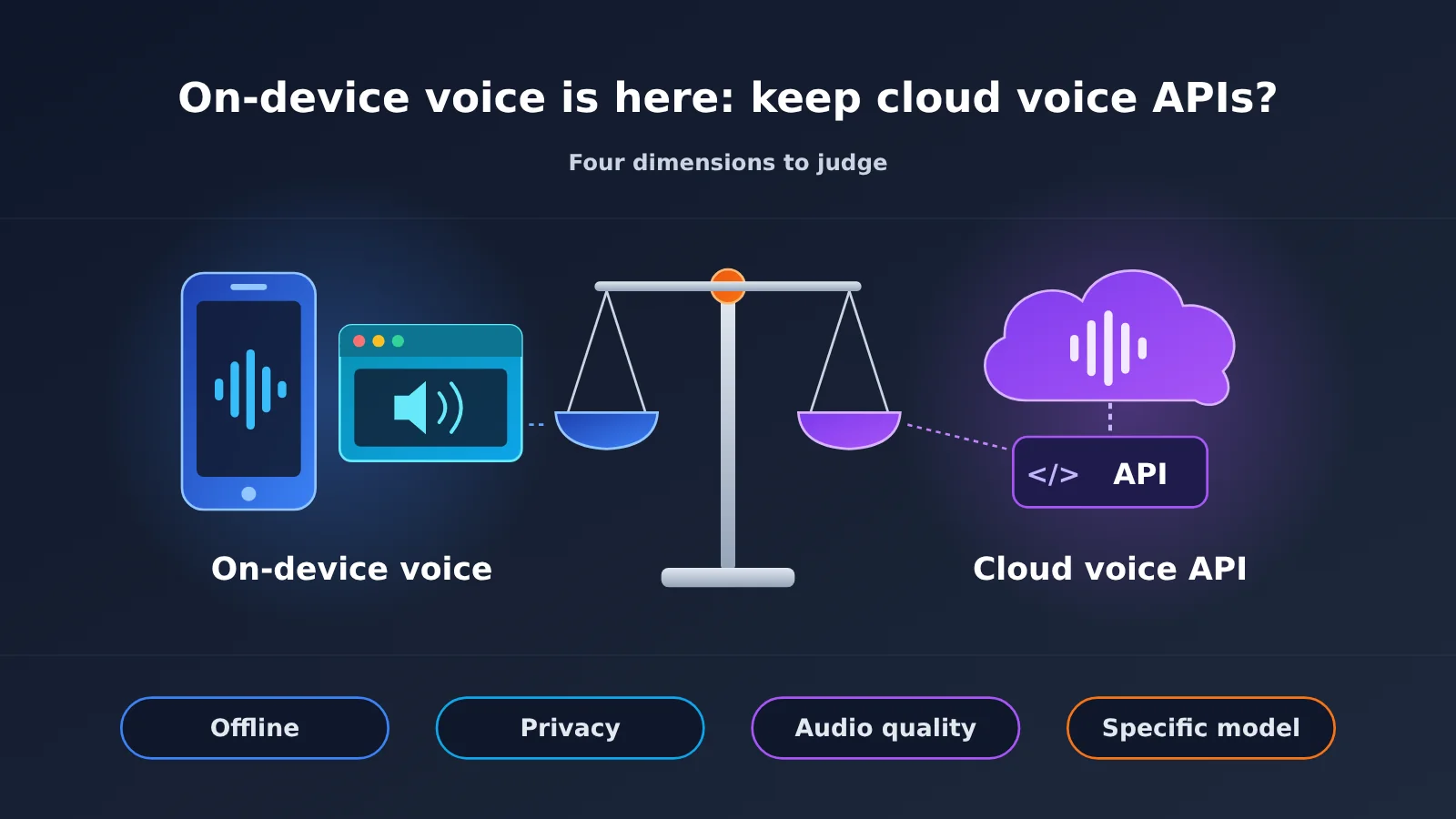
This isn’t an either/or choice. On-device and cloud speech each have their limits. What matters is whether your product needs to work offline, how sensitive your data is, how high your bar is for audio quality and long-form speech, and whether you must use one specific model.
Core value: By the end of this article, you’ll be able to work through four dimensions one at a time and decide how to split your product between on-device and cloud, without going all-in on either.
On-Device Speech Is Here: Key Facts at a Glance
Let’s separate what we can confirm from what we can’t. The overall direction for on-device speech is clear, but there’s no solid, comparable public data on latency or audio quality for any specific local model. This article won’t guess, so those items are marked unknown.
| Item | Details |
|---|---|
| What changed | Phone operating systems and browsers can now do text-to-speech locally, with no network connection |
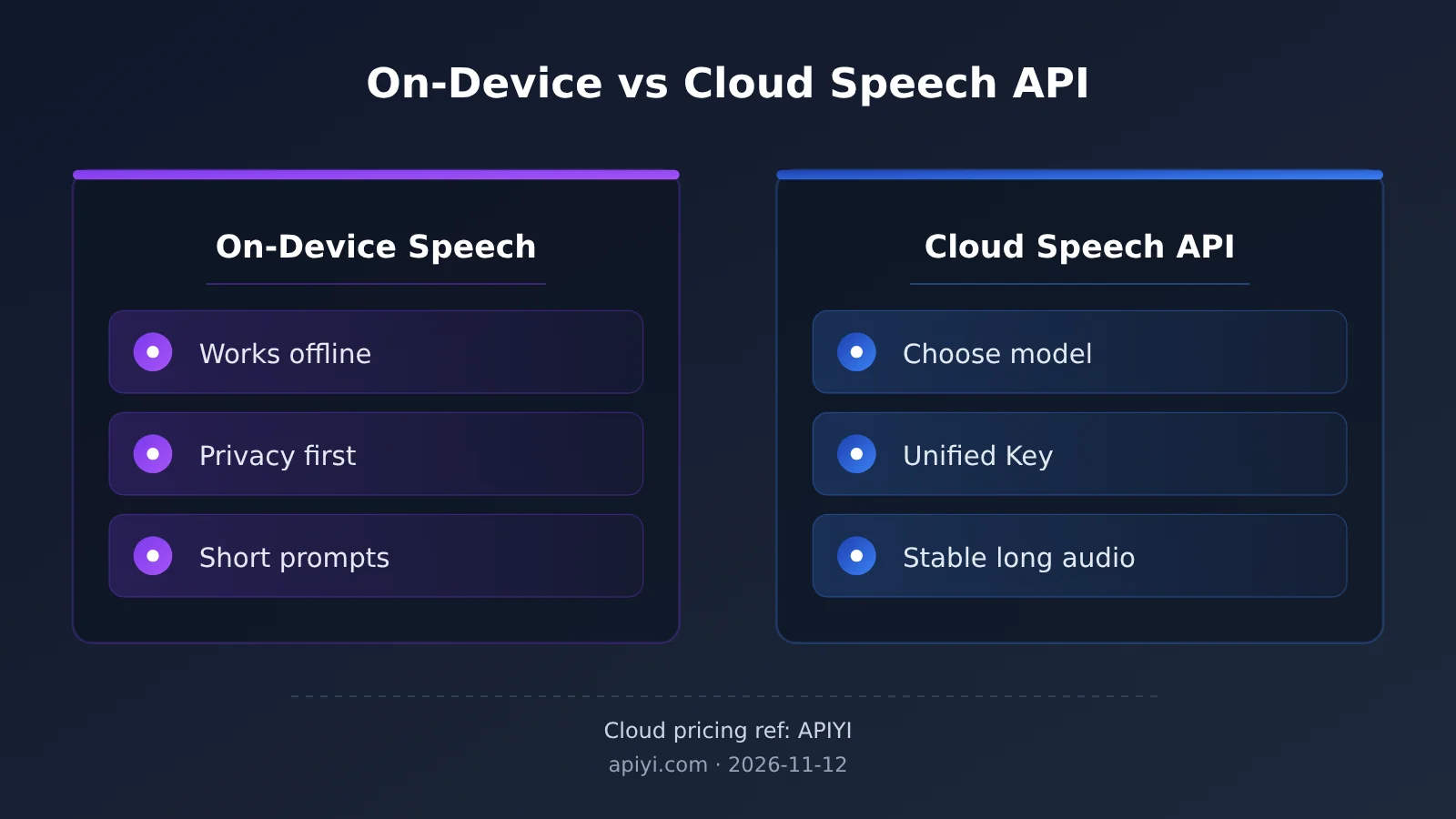
| On-device strengths | Works offline, data stays on the device, well suited to short announcements |
| On-device unknowns | There’s no unified public data on latency or audio quality scores for on-device options, so they’re treated as unknown |
| Cloud strengths | You can pick a specific model, share one API key with your text models, and get more stable long-form speech |
| Cloud models available | As of 2026-11-12, APIYI’s price list still includes tts-1, tts-1-hd, gpt-realtime-2.1, and gpt-realtime-2.1-mini |
| Who’s affected | Product teams building voice announcements, voice assistants, and real-time voice conversation |
What On-Device Speech Can Do, and What It Can’t Promise
The most direct benefit of on-device speech is that it works without a network. Navigation prompts, reading aids, and short in-app alert sounds are all short, frequent sentences, so local synthesis handles them fine and saves a network round trip. Data also stays on the device, which takes a lot of compliance pressure off products that handle sensitive text such as health or financial information.
However, the voices and quality you get on-device depend on the user’s hardware. The same product can sound completely different across phone brands and OS versions, so it’s hard for developers to guarantee a consistent experience. As for how much slower or lower-quality a given on-device model is compared with the cloud, there are no reliable public numbers right now. Sample real devices from your own user base before you decide.
How to Split Work Between On-Device Speech and Cloud Speech APIs
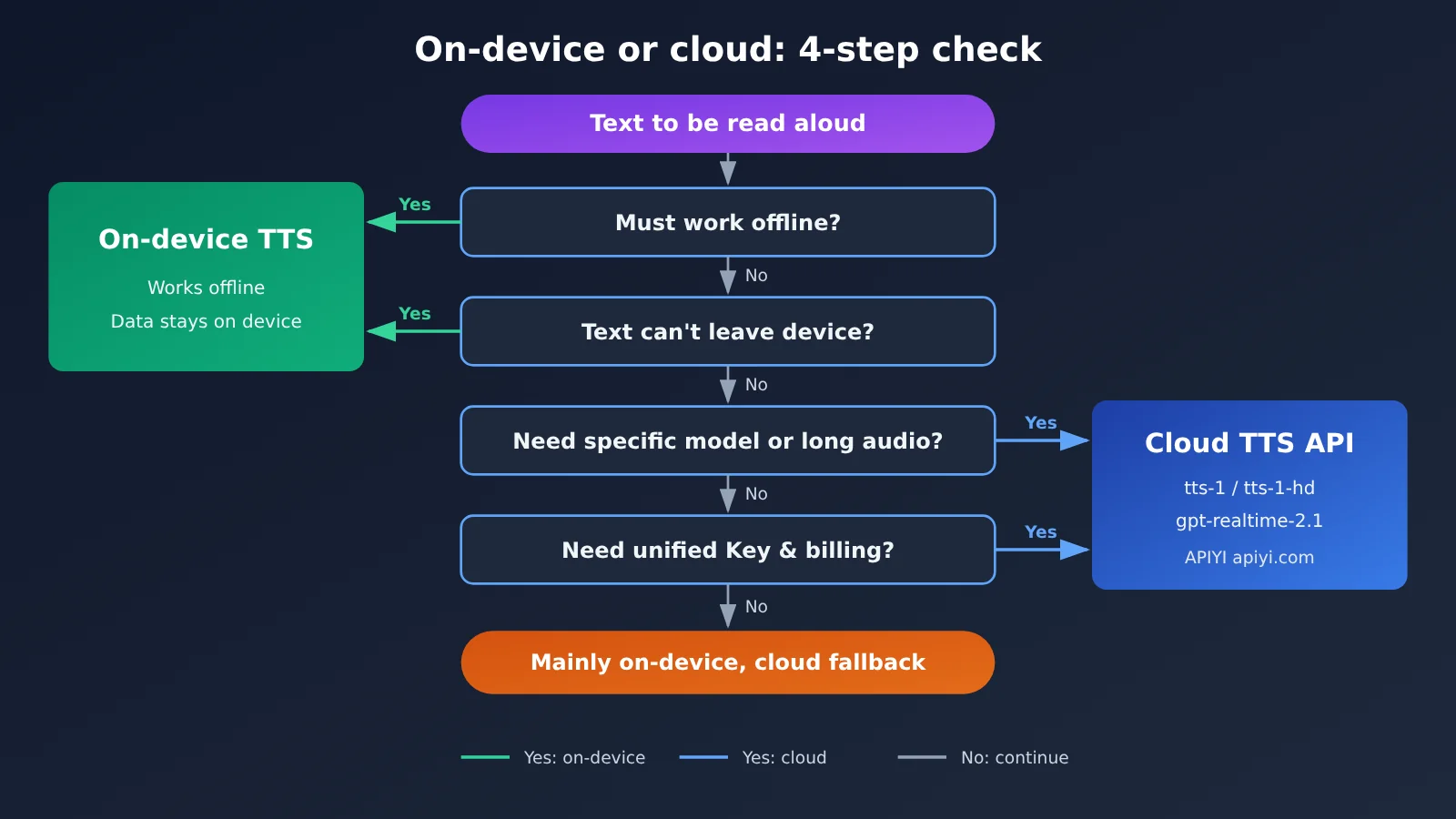
Breaking the question into four dimensions works better than arguing about whether to keep the cloud. The table below shows which side fits each dimension better, and what to ask yourself when deciding.
| Dimension | Better for On-Device Speech | Better for Cloud Speech APIs | Question to Ask |
|---|---|---|---|
| Offline | Must produce audio with no network or a weak connection | Users are mostly online | Does the product still need to speak when the network is down? |
| Privacy | Text is sensitive and can’t leave the device | Text can be uploaded for processing | Do compliance requirements forbid data from leaving the device? |
| Audio quality and long-form speech | Short sentences, alert tones, voice quality isn’t critical | Long-form reading, consistent voice is important | Is it acceptable for different devices to read in different voices? |
| Specific models and unified billing | Not needed | Must lock to a specific model and share one key with text models | Do you need to pin a specific model like tts-1-hd or gpt-realtime-2.1? |
Offline and Privacy: Home Turf for On-Device Speech
If your product is often used on the subway, in the mountains, or on a plane, offline support is a hard requirement, and on-device speech should handle most of the playback. Likewise, if your business rules say user-entered text can’t be uploaded, on-device speech is almost the only option. On these two dimensions, the cloud speech API plays more of an “enhancement when online” role than a primary one.
Audio Quality, Long-Form Speech, and Specific Models: Home Turf for Cloud Speech APIs
Once your product needs a consistent brand voice, reliable reading of long articles, or real-time voice conversation, the cloud is hard to replace. With the cloud you can specify the exact model: tts-1 for routine playback, tts-1-hd for higher audio quality, and gpt-realtime-2.1 or gpt-realtime-2.1-mini for real-time conversation. Every user hears output from the same model.
Another point that often gets overlooked is billing and key management. Beyond speech, most products also call a Large Language Model for understanding, summarization, or dialogue generation. If speech and text share the same key and the same bill, operations and reconciliation get much simpler.
How to Connect to a Cloud Voice API: Keep One Reliable Channel
Even if you decide to go on-device first, it’s a good idea to keep a cloud channel around as a fallback and an upgrade path. APIYI uses an OpenAI-compatible interface, so integration is basically the same as calling the official SDK. All you need to do is swap out the base_url.
Here’s the integration process in a nutshell:
- Initialize the client:
client = OpenAI(api_key="YOUR_API_KEY", base_url="https://api.apiyi.com/v1") - Call speech synthesis:
client.audio.speech.create(model="tts-1", voice="alloy", input="您的订单已发货") - When you need higher audio quality, switch the model to
tts-1-hdand leave everything else unchanged - Text models point to the same
https://api.apiyi.com/v1, so speech and text share a single key
Real-time voice conversation (the gpt-realtime-2.1 series) connects differently from a regular HTTP request. For the exact connection parameters, refer to the APIYI documentation center.
| Model | Type | Typical Use | Available Platform |
|---|---|---|---|
| tts-1 | Text-to-speech | Standard announcements, notification readouts | APIYI apiyi.com |
| tts-1-hd | Text-to-speech (high quality) | Long-form narration, branded voices | APIYI |
| gpt-realtime-2.1 | Real-time voice conversation | Voice assistants, real-time interaction | APIYI |
| gpt-realtime-2.1-mini | Real-time voice conversation (lightweight) | Real-time scenarios that are more cost-sensitive | APIYI |
🚀 Quick Start: If you’re evaluating whether to keep cloud voice, sign up at APIYI (apiyi.com) first and use the free credits for new users to run the same text through both tts-1 and tts-1-hd. Then compare the results against your device’s local speech output to decide whether the difference is worth paying for.
Impact Analysis: What Happens Once On-Device Voice Ships
Impact on Developers
- Architecture goes from pick-one to hybrid: The voice module needs a routing layer that decides between on-device and cloud based on network status, text sensitivity, and text length.
- Testing costs go up: On-device quality depends on the user’s hardware, so you need to sample different device models and browsers. Cloud output is relatively consistent.
- Fallback logic becomes essential: If the cloud fails, degrade to on-device. If on-device isn’t available, fall back to the cloud. Each path backs up the other.
Impact on Product Architecture
The most common way to land a hybrid architecture is to give each type of voice task a default channel and a fallback channel. The table below works as a starting point for your design.
| Voice Task | Default Channel | Fallback Channel | Rationale |
|---|---|---|---|
| Short prompts, navigation announcements | On-device voice | Cloud tts-1 | Short phrases can run locally, and offline support is a must |
| Reading sensitive text aloud | On-device voice | No fallback to cloud | Data must not leave the device |
| Long articles, audio content | Cloud tts-1-hd | On-device voice | Consistent voice, more stable for long-form speech |
| Real-time voice conversation | Cloud gpt-realtime-2.1 | gpt-realtime-2.1-mini | You need to specify the model, and real-time interaction depends on the cloud |
Impact on Cost Accounting
On-device voice isn’t billed per call, which is why a lot of teams want to move all their voice features to local. But keep in mind that the savings on invocation fees can turn into adaptation and testing costs, plus churn from a worse experience on low-end devices. A more sensible approach is to move only high-frequency short phrases on-device and keep quality-sensitive tasks in the cloud. Your cloud call volume drops naturally, and the experiences that matter most stay intact.
FAQ
Q1: Now that on-device voice is available, can I just shut down the cloud voice API?
For most products, we’d advise against it. On-device voice handles offline use and privacy, but picking a specific model, keeping long audio stable, and maintaining a consistent voice timbre still depend on the cloud. A safer approach is to make on-device the primary path and use the cloud as a fallback and enhancement.
Q2: How big is the gap between on-device and cloud voice APIs in audio quality and latency?
There’s currently no unified, public benchmark number we can cite, and on-device performance varies by device, so we’re treating this as unknown. We recommend spot-checking by listening on a few devices your target users commonly use, then comparing the results against the output from the cloud models tts-1 and tts-1-hd.
Q3: As of now, which cloud voice models can I still call?
As of 2026-11-12, the APIYI price list still includes tts-1, tts-1-hd, and the real-time voice models gpt-realtime-2.1 and gpt-realtime-2.1-mini. The model list may change at any time, so check the platform’s live price list for the latest.
Q4: How can I call both voice and text models with a single key?
Get an API key from APIYI (apiyi.com) and set the base_url to `https://api.apiyi.com/v1`. Speech synthesis, real-time voice, and text models like GPT, Claude, and Gemini all go through the same endpoint, and the billing is consolidated too, which makes usage-based reconciliation easier.
Q5: In a hybrid architecture, what should I do if a cloud call fails?
Add a fallback layer to your voice routing. If a cloud request times out or returns an error, non-sensitive short sentences can fall back to on-device reading, while for long audio you can prompt the user to try again later. For real-time conversation, you can switch between gpt-realtime-2.1 and gpt-realtime-2.1-mini.
On-Device Speech vs. Cloud Speech APIs: Key Takeaways
- It’s not either/or: On-device speech and cloud speech APIs split the work. Assign each task to the right channel.
- On-device handles offline and privacy: It works without a network and keeps data on the device, which suits short phrases and notification sounds.
- Cloud handles quality and consistency: Long-form speech, brand voices, and real-time conversation still need cloud models.
- Specific models only come from the cloud: If you need to lock in tts-1-hd or gpt-realtime-2.1, you have to go through an API.
- On-device performance data is unknown: Where there are no public numbers, rely on sampling from your own devices.
- A unified key cuts ops overhead: With APIYI (apiyi.com), speech and text models share one API key and one bill.
Summary
Once on-device speech is in place, should you keep the cloud speech API? It depends on four factors:
- Offline: Tasks that must work without a network go to on-device speech.
- Privacy: Tasks where text can’t leave the device run on-device only.
- Audio quality and long-form speech: Tasks that demand consistency and stability stay in the cloud.
- Specific models and a unified bill: Tasks that need a particular model locked in, or that share one key with text models, keep using the cloud API.
The takeaway is clear: on-device handles offline and privacy, while specific models and unified billing still belong to the cloud. We suggest moving your high-frequency short phrases to on-device first, then keeping long-form speech and real-time conversation in the cloud. Through APIYI (apiyi.com), you can call tts-1, tts-1-hd, and the gpt-realtime-2.1 series from one place. Use the free test credits to validate the results before you decide how to split traffic between the two channels.
📚 References
- APIYI Documentation Center: Guides for speech synthesis and real-time voice integration
- Link:
docs.apiyi.com -
Description: Check out the invocation parameters and integration methods for models like tts-1 and gpt-realtime-2.1
-
APIYI Help Center: Platform tutorials and FAQs
- Link:
help.apiyi.com - Description: A good place to start for your first integration, covering API key setup, billing, and the model list
Author: APIYI Technical Team
Get in touch: Reach out to us on the APIYI homepage at apiyi.com. You’ll find more resources in the documentation center at docs.apiyi.com