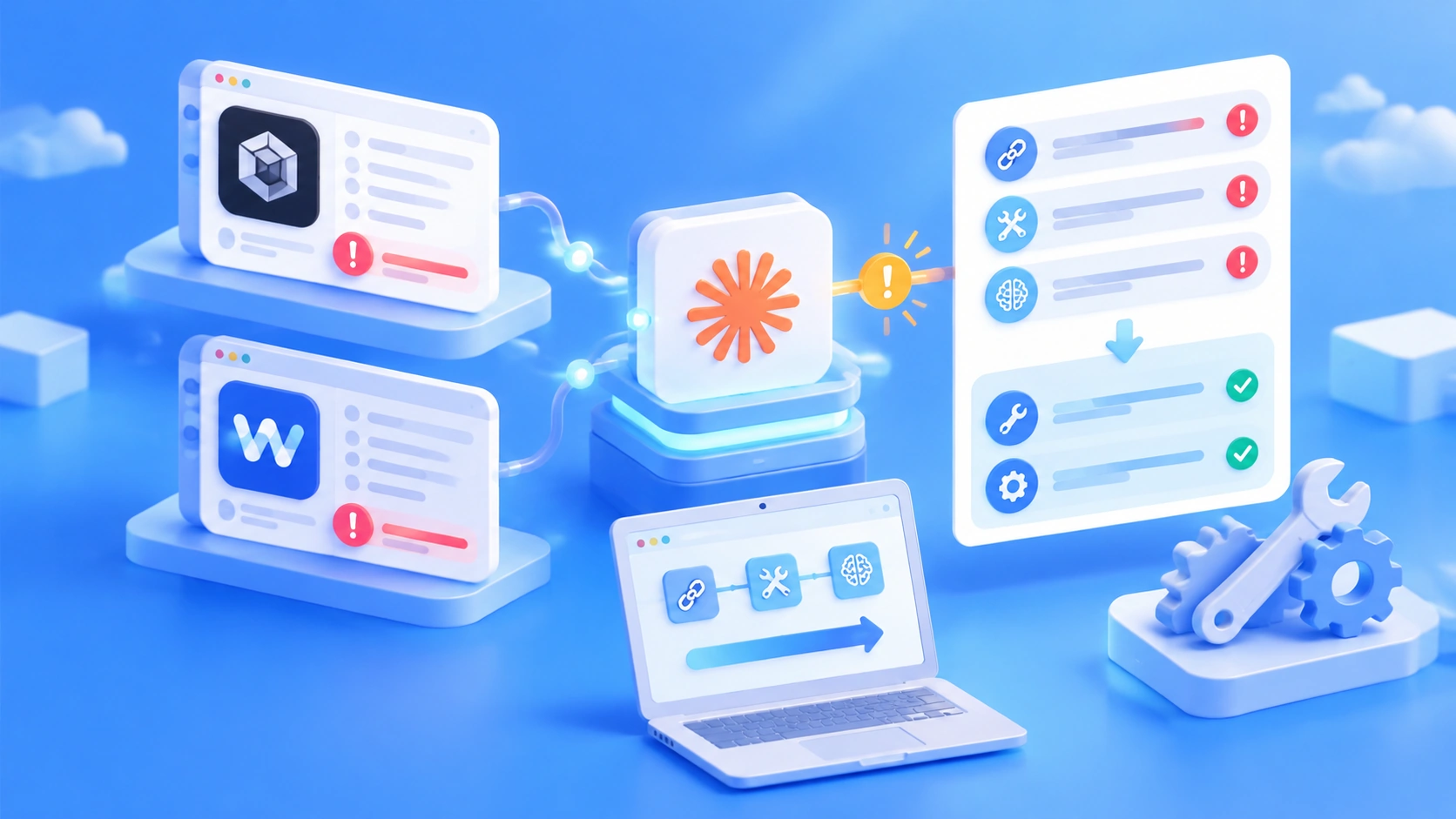
Author’s note: Neither Codex nor WorkBuddy is a client designed specifically for Claude. The errors almost always come from the integration layer. This article groups them into three categories—endpoints, tool round trips, and thinking blocks—and matches each error message with a fix.
We ran into this ourselves. At first, we took the easy route and used an OpenAI-compatible protocol to call Claude, treating it like an OpenAI model. Simple conversations worked fine, but as soon as we invoked a tool, we got an error. Retrying didn’t help. Things only started working smoothly after we switched back to Anthropic’s native /v1/messages protocol.
First, check whether this applies to you: Codex throws a wire_api error on startup, WorkBuddy chats normally but returns a 400 as soon as it calls a tool, or responses mysteriously come back empty. If any of that sounds familiar, you’re probably dealing with one of the issues covered here.
- The model itself isn’t broken. The problem is that three things don’t line up in the integration layer: endpoints, tool round trips, and thinking blocks.
- Category 3 is the easiest to fix: thinking blocks and the output budget. You only need to change how the client reads responses and adjust
max_tokens. - Category 2 is moderately difficult: tool round trips. The fix usually involves a translation layer or gateway.
- Category 1 is the most difficult: endpoints. You’ll need to switch clients or add a translation gateway.
The bottom line throughout this article is: native Anthropic protocol > gateway translation to Anthropic > OpenAI-compatible chat. For now, you can use the table below to identify which category your error falls into.
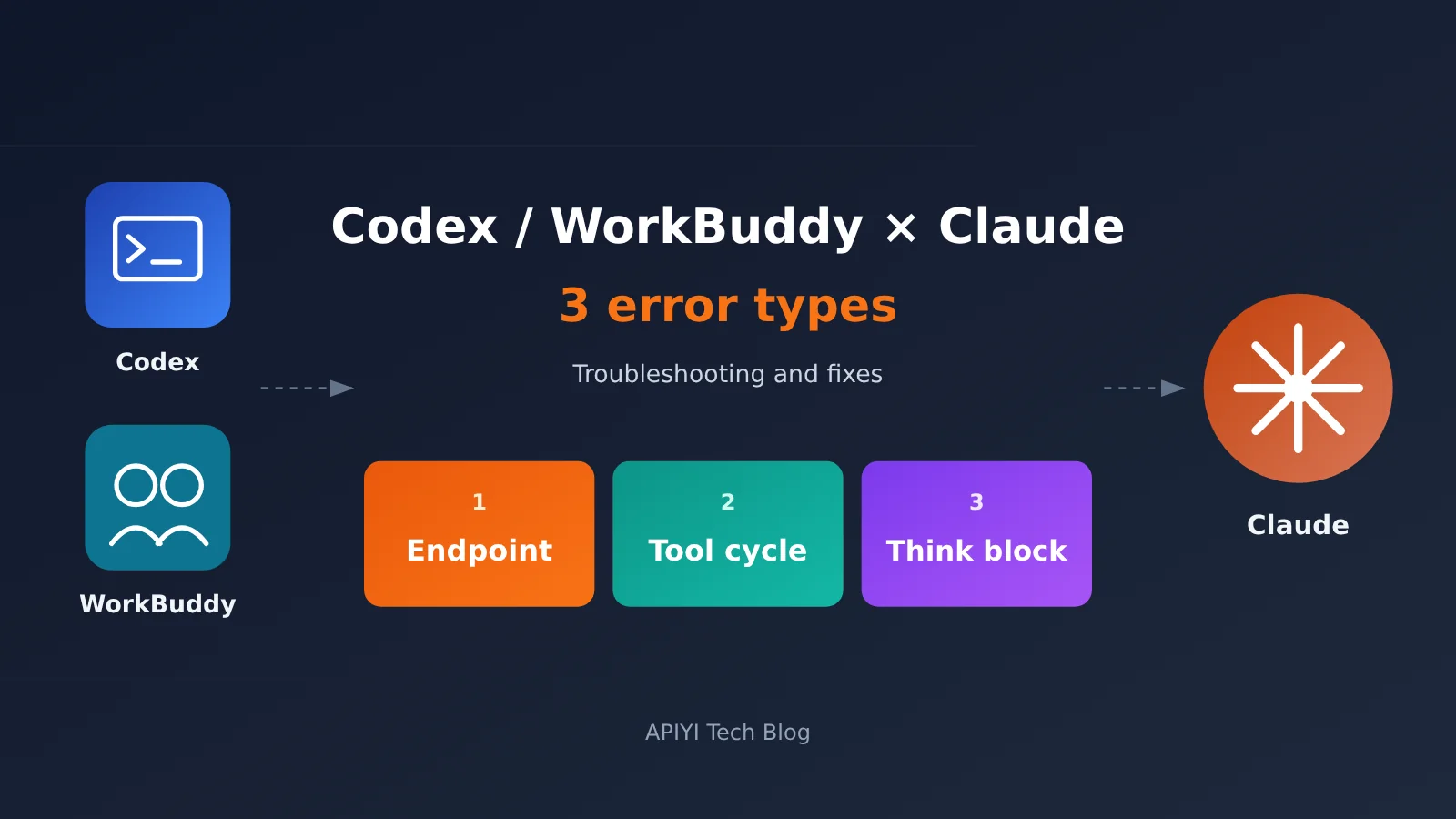
Three Main Causes of Claude Errors in Codex and WorkBuddy
First, a few terms. Responses, Messages, and Chat Completions are like three ways to order a meal: the kitchen makes the same food, but the menus use different formats. Codex only orders through Responses, while Claude accepts Messages and Chat Completions. A thinking block is like the model’s scratch paper, and Anthropic checks whether it’s been altered.
| Category | What’s happening | Who mainly fixes it | Difficulty |
|---|---|---|---|
| 1. Endpoint mismatch | Codex only sends Responses requests, which Claude doesn’t accept | Switch tools or gateways | Most effort |
| 2. Tool round-trip mismatch | IDs, content blocks, or thinking blocks are altered during translation | Mainly the gateway | Moderate |
| 3. Thinking block and budget mismatch | The model thinks on every request, but the client still reads the output the old way | The client | Least effort |
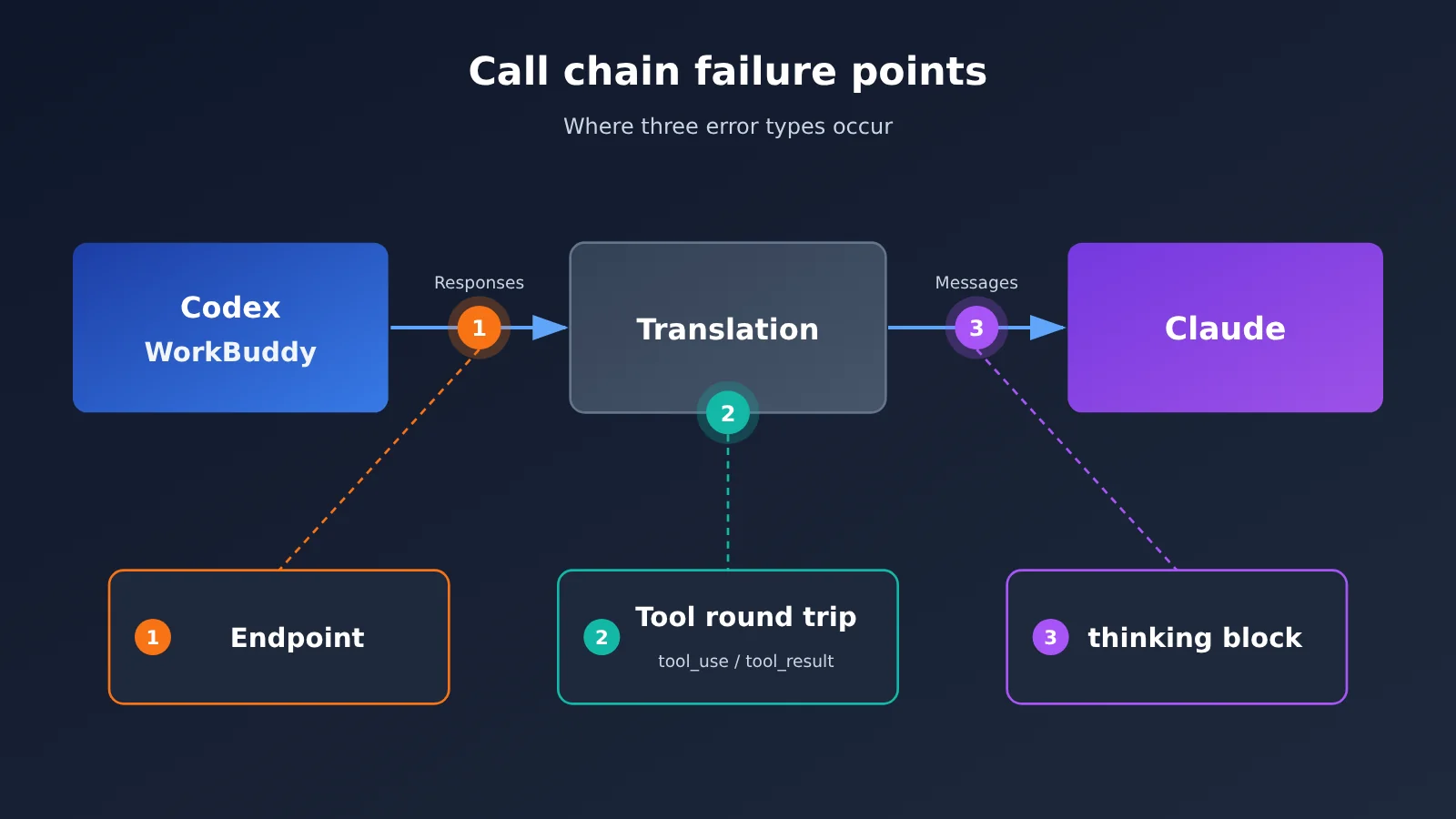
Category 1: Endpoint Mismatch When Codex Calls Claude
What the error looks like: Error loading config.toml: wire_api = "chat" is no longer supported. How to fix: set wire_api = "responses".
This means the wire_api = "chat" setting is no longer supported and needs to be changed to responses.
Why it happens: According to the official Codex configuration reference, responses is now the only supported value for wire_api. The old workaround of setting wire_api to chat no longer works. Newer versions of Codex will fail when loading the configuration. Even if the provider isn’t being used, the invalid setting will prevent codex login status from running. Meanwhile, Claude models on APIYI apiyi.com expose only Anthropic and OpenAI endpoints; they don’t offer /v1/responses. The formats don’t match, and without anything in between to translate them, the error is inevitable.
How to fix it:
1. Client: Open ~/.codex/config.toml and remove any leftover chat settings as instructed by the error, so Codex can start normally.
2. Switch tools: If you just want to use Claude for coding, switch to Claude Code, which uses the native Messages API.
3. Gateway: If you need to stay with Codex, add a gateway that can translate Responses requests into Messages requests. Prefer the native Anthropic endpoint for the provider address.
Success criteria: codex login status runs successfully. When using a gateway, give Codex an instruction that requires reading a file and confirm it completes a full tool call.
Category 2: Claude Tool Call Round-Trip Mismatches
What the errors look like:
– tool_use ids were found without tool_result blocks immediately after
– An assistant message with 'tool_calls' must be followed by tool messages...
– thinking or redacted_thinking blocks in the latest assistant message cannot be modified
– Invalid signature in thinking block. The block is bound to a different conversation.
The first error means a tool_use wasn’t immediately followed by its matching tool_result. The second is the equivalent issue in the Chat format. The third means a thinking block from the previous turn was modified. The fourth means the thinking block’s signature doesn’t match the current conversation.
Why it happens: The compatibility layer has to translate Claude’s text, tool_use, tool_result, and thinking blocks into tool_calls and role: tool, then translate them back. A mismatched ID, merged content blocks, or a moved thinking block can result in a 400 error. Responses also has a developer role, while Messages doesn’t, so developer content needs to be merged into system. In addition, claude-opus-5-5 doesn’t accept these older practices: forced tool_choice (any or a specific tool), prefilled assistant messages (prefill), or temperature / top_p / top_k.
How to fix it:
1. Gateway: Follow each tool_use immediately with a tool_result that has the same ID, and put the tool_result at the beginning of the user message’s content blocks.
2. Gateway: Pass the previous assistant message back unchanged, including blocks with empty thinking fields. Merge developer content into system.
3. Client: Use only auto or none for tool_choice, and remove prefill and sampling parameters.
4. Client: If you’ve already encountered a signature error, start a new conversation. According to the official APIYI FAQ, this error is sometimes wrapped as Request rejected (429), but it isn’t rate limiting, so backing off and retrying won’t help.
5. Switch tools: If your harness hardcodes a forced tool_choice and you can’t change it, switch clients.
For troubleshooting similar 400 errors, see Claude Code 400 Tool Use Concurrency Error. It explains how to pinpoint tool_use and tool_result pairing failures step by step.
Acceptance criteria: Multiple consecutive tool calls (read a file, edit it, then read it again) no longer produce 400 errors, and no signature errors appear within the same conversation.
Category 3: Claude Thinking Blocks and Output Budget Mismatches
What it looks like: You see "thinking.type.enabled" is not supported for this model. Use "thinking.type.adaptive" and "output_config.effort" to control thinking behavior. You might also see "thinking.type.disabled" is not supported for this model. In other cases, there’s no error, but the response is empty or cut off.
Why it happens: claude-opus-5-5 thinks on every request, and its response may start with a thinking block. If your client reads content[0].text by position, it’ll get an empty value. Thinking tokens are billed as output tokens and count toward max_tokens. Starting with this generation, narration between tool calls also goes into thinking blocks. Since the default display is omitted, that narration appears empty.
How to fix it:
1. Client: Either omit the thinking parameter or set it to thinking: {"type": "adaptive"}, and remove budget_tokens.
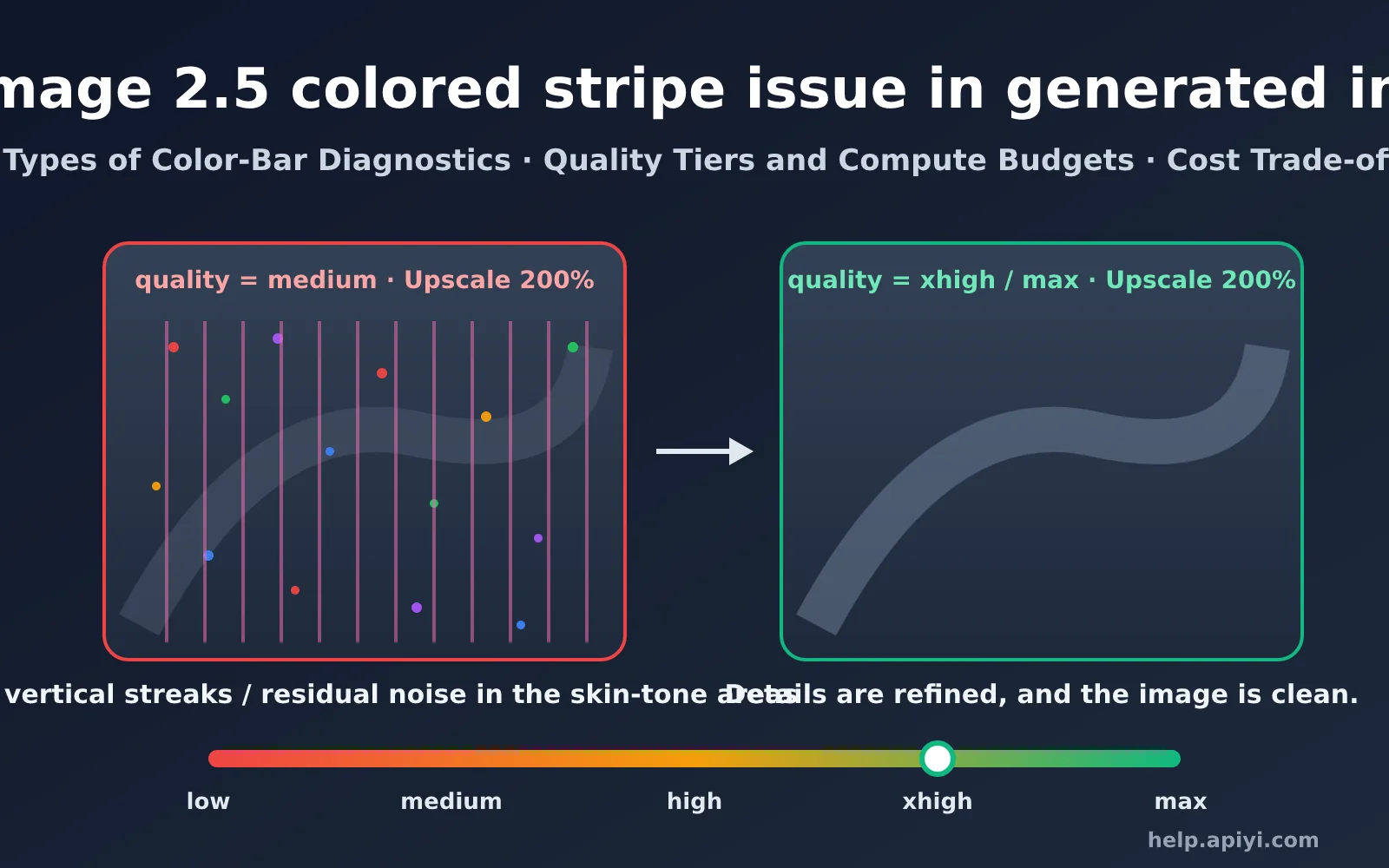
2. Client: Use output_config.effort to control thinking depth. The options are low / medium / high / xhigh / max, with medium as the default.
3. Client: When reading the response, find the text block by type rather than by position.
4. Client: Set max_tokens high enough to cover both thinking and the response text. If you want to see the narration, set thinking.display to summarized.
For a deeper look at the new mechanism, see Understanding Adaptive Thinking. It explains how to migrate from budget_tokens to effort levels.
Acceptance criteria: Send the same prompt several times in a row. The response text should be non-empty every time, and no thinking.type errors should appear.
Claude Error Message Quick Reference
| Error message keyword | Category | 5-minute check | Still getting errors? See |
|---|---|---|---|
wire_api = "chat" is no longer supported |
Category 1 | Check config.toml for any remaining chat entries |
Magpie Tutorial |
tool_use ids were found without tool_result |
Category 2 | Check the ID and position of tool_result |
Claude Code 400 Error: Tool Use Concurrency |
must be followed by tool messages |
Category 2 | Check whether the request passes through a Chat compatibility layer | Claude Code 400 Error: Tool Use Concurrency |
Invalid signature in thinking block |
Category 2 | Start a new session and try again | Understanding Adaptive Thinking |
thinking.type.enabled / Empty response |
Category 3 | Remove budget_tokens and read the response by type instead |
Understanding Adaptive Thinking |
| Simple conversations work, but tool calls fail | Category 2 | Check the protocol used to connect WorkBuddy | Does WorkBuddy Support Claude’s Native Format? |
Two Ways to Fix Claude Errors in Codex and WorkBuddy
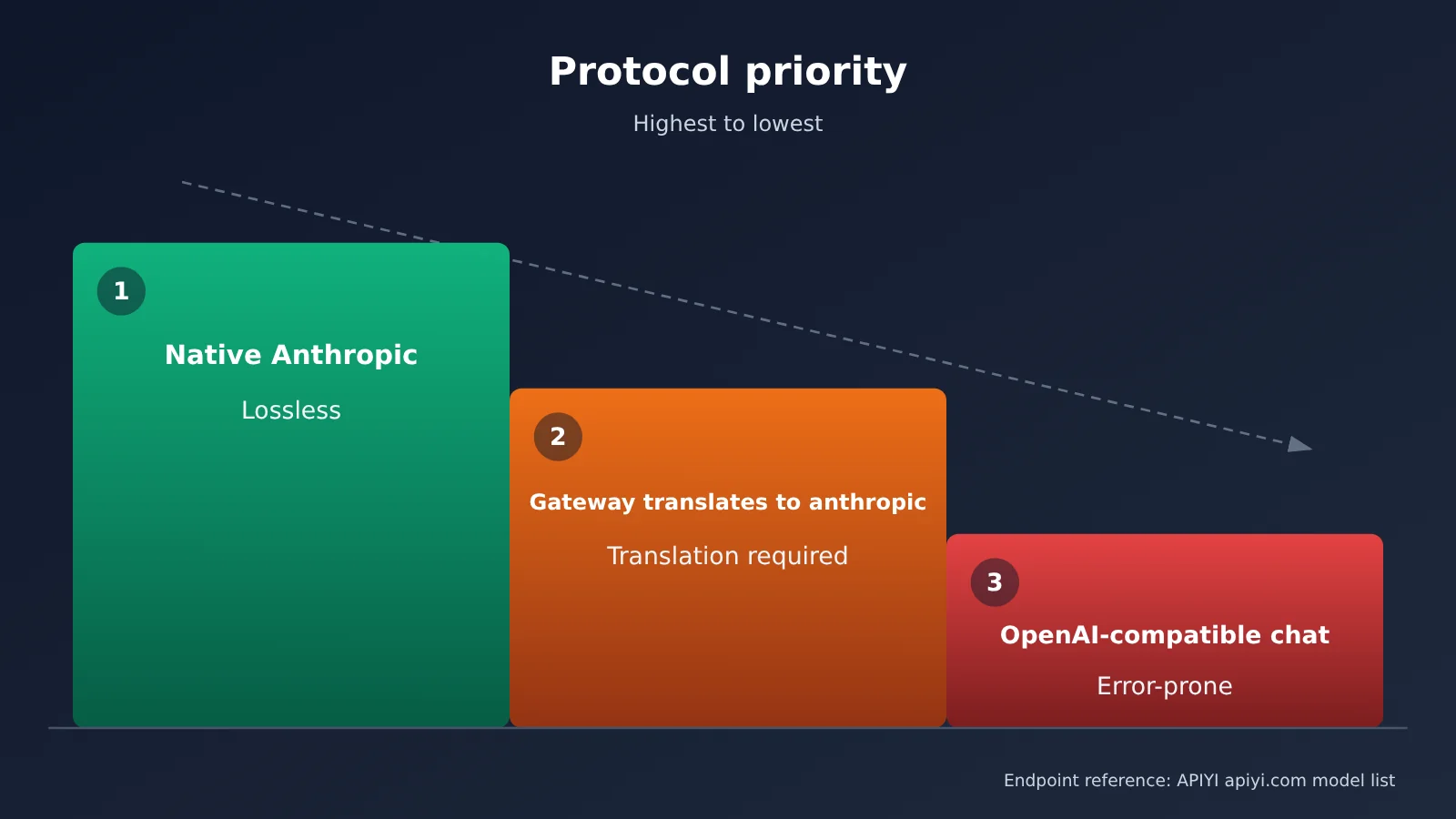
| Route | Best for | Protocol priority |
|---|---|---|
| A: Return to a native client | Anyone who just wants to code with Claude | Highest; no translation loss |
| B: Add a translation gateway | Anyone who needs to stay in Codex or WorkBuddy | Next best; set the provider address to the Anthropic endpoint |
| Stick with chat compatibility long-term | Not recommended | Lowest; tool calls and thinking blocks are prone to issues |
Route A: If you want to use Claude in Codex, switch to Claude Code instead. WorkBuddy’s official model settings only offer /chat/completions and a “Custom Protocol” switch—there’s no native Anthropic option. So don’t expect native thinking in WorkBuddy. For details, see Does WorkBuddy Support Native Claude Format?, which explains why chat can work while tool calls fail and how to work around it.
To connect WorkBuddy directly, go to “Settings → Model → Custom.” Set the Base URL to https://api.apiyi.com/v1, the model name to claude-opus-5-5, and the Key to one created on the APIYI apiyi.com token page. Stop the URL at /v1—don’t append /chat/completions yourself.
Caption: Check that the URL ends at /v1, the model name is claude-opus-5-5, and the “Custom Protocol” switch is off.
Route B: When adding a gateway to Codex, leave wire_api = "responses" unchanged. The gateway translates requests into Messages format before forwarding them. Point WorkBuddy’s custom model URL to the local gateway, and set the provider address for the Claude model to the native Anthropic endpoint https://api.apiyi.com.
🎯 Technical tip: You can use one Key to test both the native Messages and compatible chat endpoints. Try comparing tool-call behavior under both protocols with test credits at APIYI apiyi.com before choosing a route.
Connect Claude to Codex and WorkBuddy with Magpie
Magpie is a community open-source tool licensed under MIT. It runs a local gateway at 127.0.0.1:3425 and translates between OpenAI Chat, Responses, and Anthropic Messages, filling the gap in the first category. Instead of configuring everything manually, you can also use Magpie’s graphical interface. Enter the API Key and Base URL, then connect both Codex and WorkBuddy to the same gateway without editing configuration files. See the full Magpie tutorial for how to use one gateway to unify model sources across multiple agents.
- Provider page: Add a Key. APIYI is in the “Proxy” group, or you can click “+ Custom Provider” to enter the details manually.
- Agent page: Select claude-opus-5-5 for both Codex and WorkBuddy.
- Start a new session rather than reusing an old session’s history.
Caption: Check that the provider is available in the “Proxy” group, the Base URL is the native Anthropic address, and both switches on the Agent page are on.
Claude API Pricing and Cache Costs
Prices are in USD per million tokens, checked on October 28, 2026. Refer to the platform’s model list for current availability and pricing:
| Model | Input | Output | Cache read | Available on |
|---|---|---|---|---|
| claude-opus-5-5 | $4 | $20 | $0.2 | APIYI apiyi.com |
| claude-sonnet-5-5 | $2 | $10 | $0.1 | APIYI apiyi.com |
| claude-haiku-5-5 | $0.1 | $0.5 | $0.01 | APIYI apiyi.com |
An agent resends the full conversation history on every turn, and claude-opus-5-5 thinking tokens are billed at the output rate. If the translation layer changes the order of the system instructions, tools, or prefix, the cache_control breakpoint will stop working, increasing both cost and latency. If your hit rate looks off, see Claude cache hit rate drops to 0 (diagnostics) for help identifying why a breakpoint has stopped working.
Risks and Account Bans Are Your Responsibility
Gateways such as Magpie are community open-source tools, not official APIYI components. We don’t endorse them or provide technical support for them. Forwarding requests through these tools may result in rate limits or even an account ban from the target service, and you’re responsible for any consequences. We recommend testing the entire workflow with a test account before considering it for a production account.
When You Don’t Need a Gateway
If you only use Claude in Codex occasionally, your company doesn’t allow additional software, or you only need to run Claude, there’s no need to set up a gateway. It’s much simpler to switch to Claude Code or use a model in Codex that natively supports the Responses API.
Frequently Asked Questions
Q1: Does Codex officially support Claude?
No. Codex only uses the Responses API, and Claude doesn’t provide that endpoint. You need a translation layer to use them together.
Q2: Can Claude on APIYI use /v1/responses?
No. Claude models on APIYI at apiyi.com only expose Anthropic and OpenAI endpoints.
Q3: Does a 429 error mean I’ve been rate-limited?
If the error includes `Invalid signature in thinking block`, it’s not a rate limit. The thinking block’s signature validation failed. Start a new session to fix it.
Q4: Can WorkBuddy use the native Anthropic protocol?
The official configuration doesn’t offer a native Anthropic option. You’ll need to use an OpenAI-compatible endpoint or translate requests through a gateway.
Q5: How can I quickly verify the fix?
Use the test credits on APIYI at apiyi.com to start a new session. Run several rounds of tool calls and make sure the response body isn’t empty.
Claude Error Checklist for Codex and WorkBuddy
- The Codex configuration no longer uses any chat-style syntax.
- Claude requests use the native protocol or a gateway that translates them to Anthropic format, not chat compatibility.
- Every tool_use is immediately followed by a tool_result with the same ID.
- The previous turn’s thinking blocks are passed back exactly as received, without modification.
- No forced tool_choice, prefill, or sampling parameters are used.
- Responses are read by type, and
max_tokensleaves enough room for thinking.
Summary
Claude errors in Codex and WorkBuddy generally fall into three categories: endpoints, tool round trips, and thinking blocks. Fix them in this order: first, change how the client reads responses; then fix the translation layer; and finally, consider switching clients or adding a gateway.
For protocol selection, use native Anthropic whenever possible. If that’s not an option, have a gateway translate requests to Anthropic format rather than relying on chat compatibility long-term. We recommend using APIYI at apiyi.com to compare different protocols with the same API key.
📚 References
- Codex Configuration Reference: Supported values for wire_api
- Link:
developers.openai.com/codex/config-reference - Notes: Confirms that wire_api currently supports only responses
- Codex Configuration Loading Error Example
- Link:
github.com/openai/codex/issues/41816 - Notes: Source of the original wire_api error message
- Claude Opus 5.5 Migration Guide
- Link:
platform.claude.com/docs/en/models/opus-5-5/migration-guide - Notes: Hard limits on thinking, tool_choice, and sampling parameters
- Anthropic Tool Use Troubleshooting
- Link:
platform.claude.com/docs/en/agents-and-tools/tool-use/troubleshooting-tool-use - Notes: Pairing rules for tool_use and tool_result
- WorkBuddy Model Configuration
- Link:
www.workbuddy.ai/docs/zh/workbuddy/From-Beginner-to-Expert-Guide/Function-Description/Model - Notes: Where to configure custom models and enable custom protocols
- Magpie Repository
- Link:
github.com/yetone/magpie - Notes: A community-built open-source gateway. Please assess the risks before using it.
Author: APIYI Technical Team
Technical discussions: Contact us through the APIYI homepage at apiyi.com. For more resources, visit the documentation center at docs.apiyi.com.