Author's Note: A deep dive into Google AI Studio's latest free tier quota data for 2026, analyzing the causes and solutions for 429 quota errors, and recommending APIYI for Nano Banana Pro API at 80% off official prices.
Ever had a 429 error pop up out of nowhere while working? Google AI Studio's free quota is a lot tighter than you might think. In this post, we'll break down the actual quota data for AI Studio's free tier and show you how to keep using the Gemini API once you've hit those limits.
Core Value: By the end of this article, you'll know the free quota limits for every AI Studio model, learn how to troubleshoot 429 errors, and discover an API alternative that's 80% cheaper than the official price.
Google AI Studio Free Quota: The Core Data
On December 7, 2025, Google AI Studio's free tier took a major hit, with daily quotas for some models slashed by 50-80%. Here's the latest breakdown of the free limits as of early 2026:
| Model | RPM (Requests Per Minute) | TPM (Tokens Per Minute) | RPD (Requests Per Day) |
|---|---|---|---|
| Gemini 2.5 Pro | 5 | 250,000 | 100 |
| Gemini 2.5 Flash | 10 | 250,000 | 250 |
| Gemini 2.5 Flash-Lite | 15 | 250,000 | 1,000 |
| Gemini 3 Pro Series | 5-10 | 100,000 | 50-100 |
| Nano Banana Pro | 2-5 | – | Extremely Low |
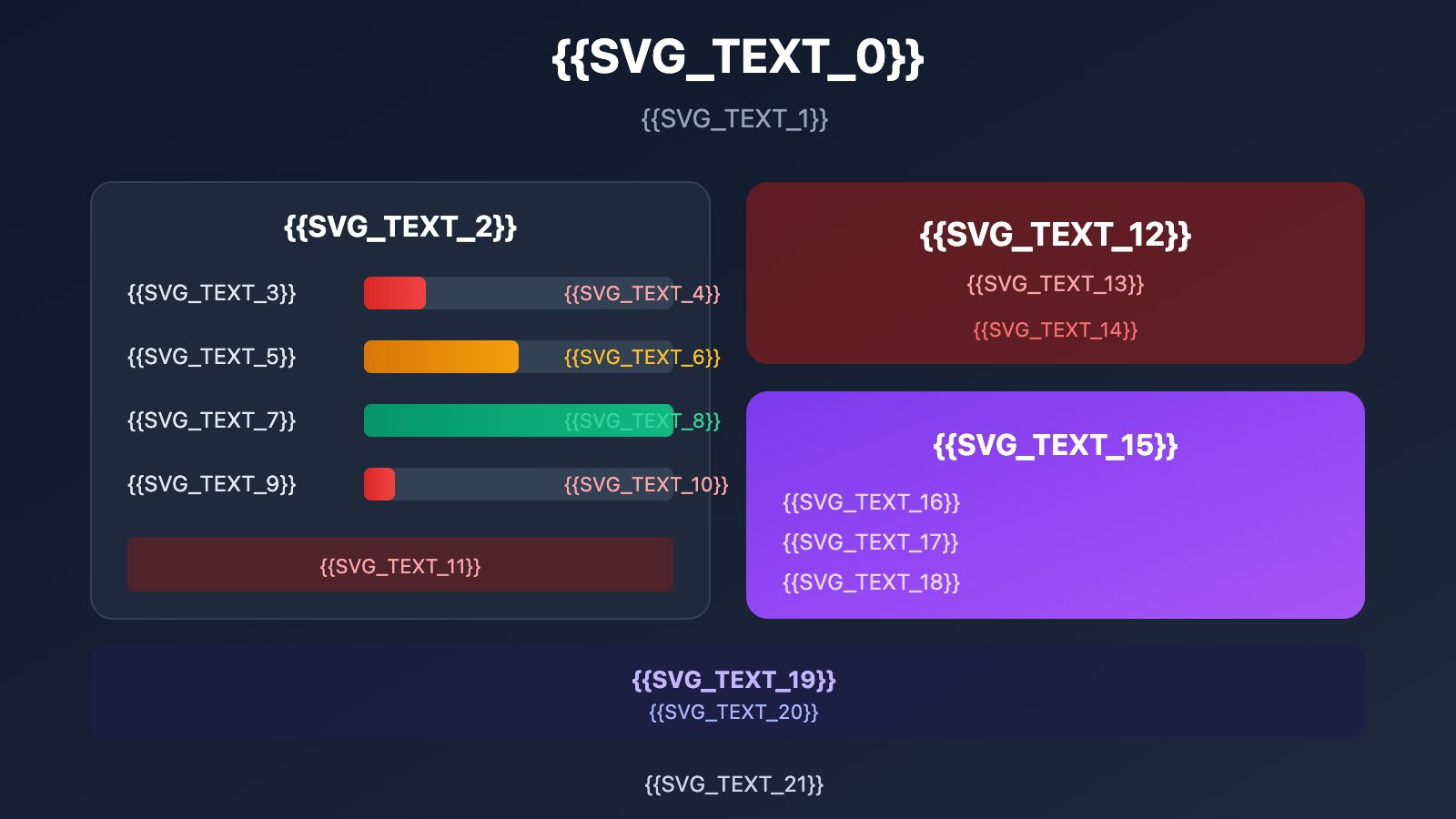
The 4 Dimensions of Free Tier Limits
Google AI Studio's rate limits are split across four independent dimensions. If you hit any one of these, you'll trigger a 429 error:
- RPM (Requests Per Minute): Number of requests per minute; the free tier only allows 5-15.
- TPM (Tokens Per Minute): Max of 250K tokens per minute.
- RPD (Requests Per Day): Total requests per day. This is the limit people hit most often.
- IPM (Images Per Minute): Images per minute, specifically for image models.
Key Notes
- Quotas are calculated per project, not per API key.
- RPD resets at midnight Pacific Time (which is 4:00 PM Beijing Time).
- RPM and TPM use a rolling 60-second window; they don't reset at fixed intervals.
- Following the December 2025 update, these limits are being enforced much more strictly.
Why You're Seeing 429 Errors
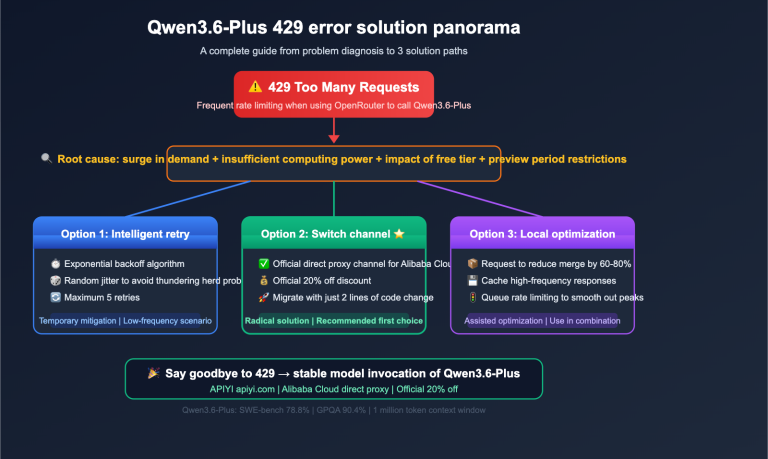
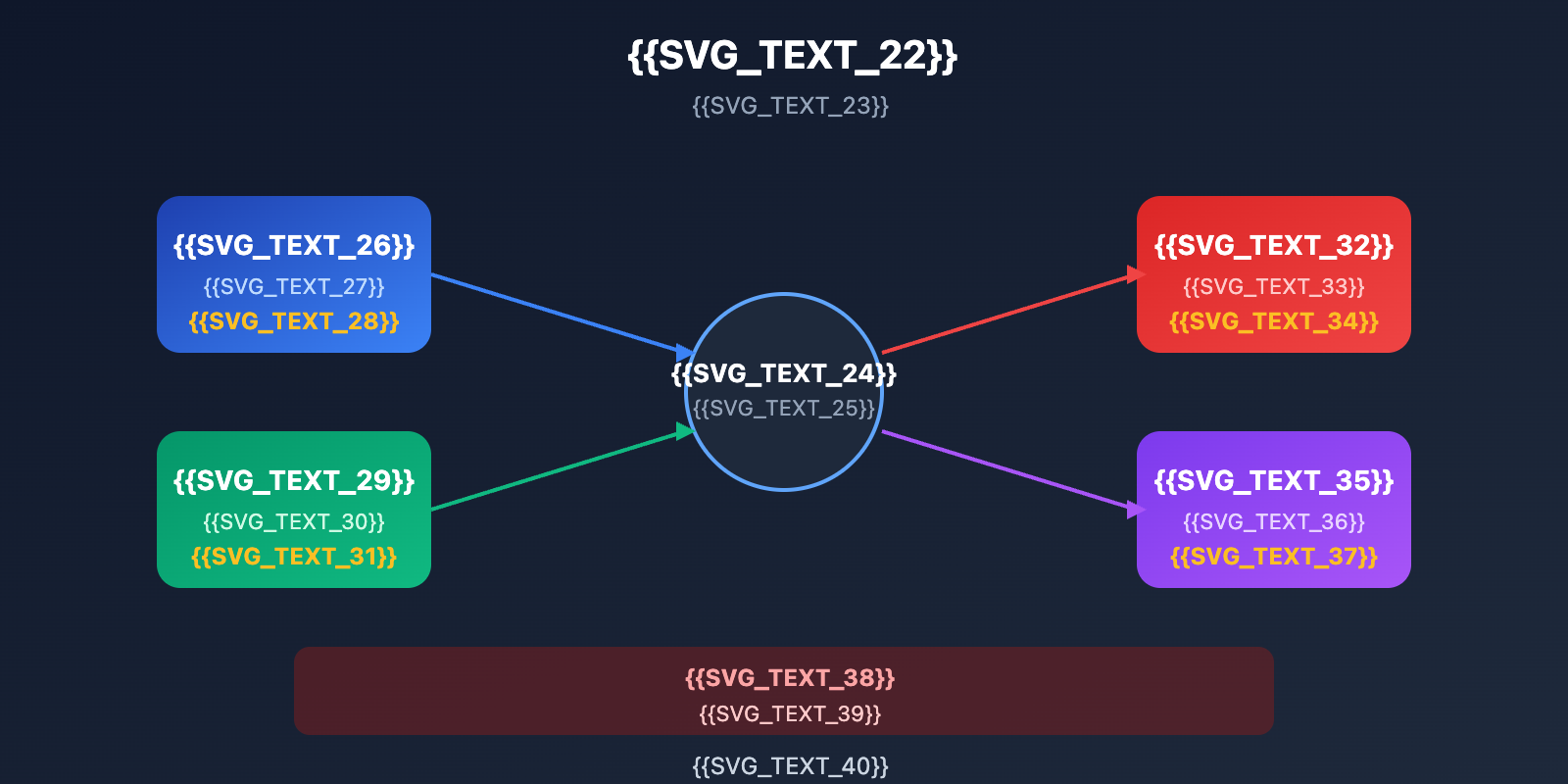
The 429 error (RESOURCE_EXHAUSTED) is the most common issue in AI Studio, and it simply means you've hit a quota limit.
The 3 Types of 429 Errors
| Error Symptom | Cause | How to Fix |
|---|---|---|
| Sudden errors in a short time | RPM exceeded | Lower your request frequency |
| Longer requests fail more often | TPM exceeded | Reduce the token count per request |
| Errors increase throughout the day, reset the next day | RPD exceeded | Wait for a reset or upgrade |
Common Scenario Analysis
Scenario 1: Development & Debugging
- Frequent code testing with many requests in a short burst.
- It's very easy to hit the RPM limit (the free tier only allows 5 requests per minute).
Scenario 2: Processing Long Contexts
- When your context is massive, a single request consumes a huge amount of tokens.
- Even with very few requests, you might still hit the TPM limit.
Scenario 3: Daily Usage
- Gemini 2.5 Pro is limited to 100 requests per day.
- For normal development needs, it's quite easy to burn through this.
The Quota Dilemma for Nano Banana Pro
As an image generation model, Nano Banana Pro (gemini-3-pro-image-preview) has even more scarce free quotas:
- The free tier only allows 2-3 images per day.
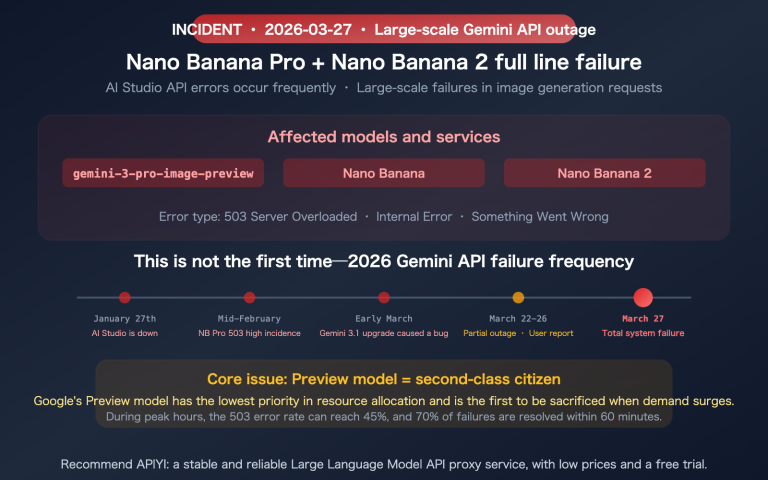
- Preview models frequently run into 503 overload errors.
- Even with Paid Tier 1, the RPD is capped at only 250 per day.
3 Solutions After Reaching Your Limit
Once you hit a 429 error, you've got a few options:
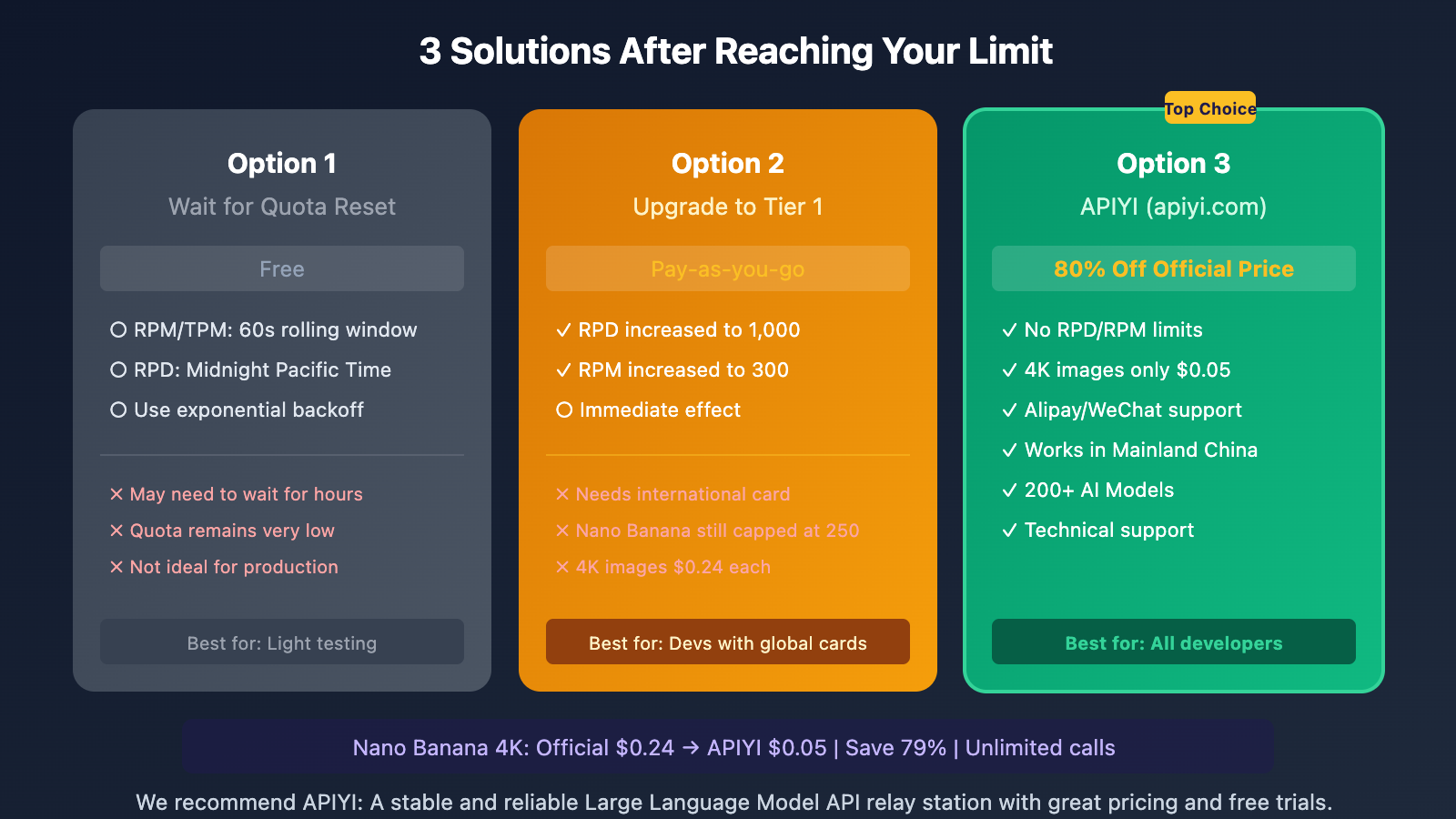
Option 1: Wait for Quota Reset
Best for: Light usage when you're not in a rush.
| Limit Type | Reset Time |
|---|---|
| RPM | Rolling 60-second window, released continuously |
| TPM | Rolling 60-second window, released continuously |
| RPD | Midnight Pacific Time (16:00 Beijing Time) |
Sample Code: Exponential Backoff
import time
import random

def call_with_retry(func, max_retries=5):
    for attempt in range(max_retries):
        try:
            return func()
        except Exception as e:
            if "429" in str(e):
                wait_time = (2 ** attempt) + random.uniform(0, 1)
                print(f"Rate limited, waiting {wait_time:.2f}s...")
                time.sleep(wait_time)
            else:
                raise e
    raise Exception("Max retries exceeded")
Option 2: Paid Upgrade to Tier 1
Best for: Developers with an international credit card who can set up Cloud Billing.
| Feature | Free Tier | Tier 1 |
|---|---|---|
| Gemini 2.5 Pro RPD | 100 | 1,000 |
| Gemini 2.5 Flash RPD | 250 | 1,000 |
| Nano Banana Pro RPD | Very low | Still only 250 |
| Cost | Free | Pay-as-you-go |
The Catch:
- Requires an international credit card (which can be tricky in some regions).
- Nano Banana Pro quota increases are quite limited.
- Official pricing is relatively high ($0.24 per 4K image).
Option 3: Using APIYI (Recommended)
Best for: Developers needing stable, high-volume access, especially for Nano Banana Pro.
APIYI (apiyi.com) offers the full Gemini suite of APIs at roughly 80% off official prices:
| Comparison | Official Google | APIYI | Savings |
|---|---|---|---|
| Nano Banana Pro (4K) | $0.24/image | $0.05/image | 79% |
| Nano Banana Pro (2K) | $0.134/image | $0.03/image | 78% |
| RPD Limit | 250/day | Unlimited | – |
| Card Requirement | International Credit Card | Alipay/WeChat | – |
import openai

client = openai.OpenAI(
    api_key="YOUR_APIYI_KEY",
    base_url="https://vip.apiyi.com/v1"
)

# Nano Banana Pro Image Generation - No quota limits
response = client.chat.completions.create(
    model="gemini-3-pro-image-preview",
    messages=[
        {"role": "user", "content": "Generate a 4K cyberpunk city night scene"}
    ]
)
print(response.choices[0].message.content)
View more Gemini API examples
import openai

client = openai.OpenAI(
    api_key="YOUR_APIYI_KEY",
    base_url="https://vip.apiyi.com/v1"
)

# Gemini 2.5 Pro - No RPD limits
response = client.chat.completions.create(
    model="gemini-2.5-pro",
    messages=[
        {"role": "system", "content": "You are a professional technical consultant"},
        {"role": "user", "content": "Analyze AI development trends for 2026"}
    ],
    max_tokens=4000
)
print(response.choices[0].message.content)

# Gemini 2.5 Flash - High cost-performance
response = client.chat.completions.create(
    model="gemini-2.5-flash",
    messages=[{"role": "user", "content": "Write a Python web scraper"}]
)
print(response.choices[0].message.content)
Recommendation: If you frequently hit 429 errors or need to generate images with Nano Banana Pro at scale, we recommend using APIYI (apiyi.com). It's 80% cheaper than official prices, has no RPD limits, and supports local payment methods like Alipay and WeChat.
Detailed Price Comparison for Nano Banana Pro
Nano Banana Pro (gemini-3-pro-image-preview) is one of the most powerful image generation models out there, but the official pricing is pretty steep:
| Resolution | Official Google Price | APIYI Price | Batch API Price | Savings % |
|---|---|---|---|---|
| 1K (1024×1024) | $0.134/image | $0.03/image | $0.067/image | 78% |
| 2K (2048×2048) | $0.134/image | $0.03/image | $0.067/image | 78% |
| 4K (4096×4096) | $0.24/image | $0.05/image | $0.12/image | 79% |
Cost Calculation Example
Let's say you need to generate 100 4K images every day:
| Plan | Unit Price | Daily Cost | Monthly Cost |
|---|---|---|---|
| Official Google | $0.24 | $24 | $720 |
| Google Batch API | $0.12 | $12 | $360 |
| APIYI | $0.05 | $5 | $150 |
By using APIYI, you'll save $570 a month compared to official rates (or $210 compared to the Batch API).
How to Check Your Current Quota Usage
Checking in AI Studio
- Open Google AI Studio (aistudio.google.com)
- Click Dashboard in the left-hand menu
- Select Usage and Billing
- Check the usage percentage for each model
Determining via API Response
When you hit a limit, the 429 error response will tell you exactly which quota was exceeded:
{
  "error": {
    "code": 429,
    "message": "Resource has been exhausted (e.g. check quota).",
    "status": "RESOURCE_EXHAUSTED",
    "details": [
      {
        "reason": "RATE_LIMIT_EXCEEDED",
        "domain": "googleapis.com",
        "metadata": {
          "quota_limit": "GenerateContentRequestsPerMinutePerProjectPerRegion"
        }
      }
    ]
  }
}
You can look at metadata.quota_limit to figure out if you've hit the RPM, TPM, or RPD limit.
FAQ
Q1: When do free quotas reset?
- RPM/TPM: A rolling 60-second window that continuously releases capacity.
- RPD: Midnight Pacific Time (4 PM Beijing Time).
- IPM: A rolling 60-second window.
If your reset is still a long way off, we recommend using alternatives like APIYI.
Q2: Will paid upgrades increase my Nano Banana Pro quota?
The increase is limited. For Tier 1, the Nano Banana Pro RPD is still only 250 requests per day and requires binding an international credit card. If you need to generate images in bulk, it's better to use APIYI, which has no RPD limits.
Q3: Is the quality of Nano Banana Pro on APIYI the same as the official version?
It's exactly the same. APIYI is an API relay service that calls the same Gemini 3 Pro Image model. The output quality is identical to the official version, but the price is much lower (about 20% of official rates) and there are no quota limits.
Summary
Key points regarding Google AI Studio free quotas:
- Free quotas are minimal: Gemini 2.5 Pro offers only 100 requests per day, and Nano Banana Pro is even more restricted.
- Major cuts in Dec 2025: Quotas were reduced by 50-80%, making 429 errors much more frequent.
- Solutions:
- Wait for the reset (best for light usage).
- Upgrade to a paid plan (requires an international credit card, and quota increases are limited).
- APIYI (apiyi.com) (Recommended: 20% of the price, no limits).
For developers who need to use the Gemini API heavily—especially for Nano Banana Pro image generation—we recommend calling it via APIYI (apiyi.com). 4K images cost only $0.05 each (compared to $0.24 officially), there are no RPD limits, and they support Alipay/WeChat along with Chinese technical support.
📚 References
-
Google AI Studio Rate Limits Official Documentation: Detailed rate limit explanations
- Link:
ai.google.dev/gemini-api/docs/rate-limits - Description: The latest official quota data and reset rules.
- Link:
-
Gemini API Pricing: Official pricing documentation
- Link:
ai.google.dev/gemini-api/docs/pricing - Description: Official pricing for models like Nano, Pro, and others.
- Link:
-
429 Error Troubleshooting Guide: Community discussions
- Link:
discuss.ai.google.dev - Description: Common causes and solutions for 429 errors.
- Link:
Author: Technical Team
Technical Exchange: You're welcome to discuss AI Studio quota issues in the comments section. For more resources, visit the APIYI (apiyi.com) technical community.