Author’s note: This article covers only the changes introduced with the Images 2.6 release on November 4, 2026. It groups information into four categories: [Official Claim], [Third-Party Leaderboard], [Single Media Report], and [Unknown].
ChatGPT Images 2.6 is a capability upgrade, not a new generation. There are three main changes: GIF creation and reusable reference images in ChatGPT, plus image generation that’s 50% faster than before. [Official Claim] In its November 4, 2026 blog post, “Introducing Images 2.6,” OpenAI announced that the new version is available in ChatGPT, Codex, and the API.
The API offers two models: GPT-Image-2.6 Flare is geared toward speed, while GPT-Image-2.6 Sunburst focuses on detail and consistency across multiple editing turns. Token prices are exactly the same as for 2.5; there’s been no price increase. This isn’t a rumor: the official blog post, developer model pages, and system card are all public. However, key details such as the test conditions behind the “50% faster” claim and independent benchmarks are still missing. We’ll flag each of these below.
What you’ll get from this article: You’ll be able to decide whether to switch to Images 2.6 for your image generation needs, whether to choose Flare or Sunburst for API integration, and roughly how much each 1024×1024 image costs.
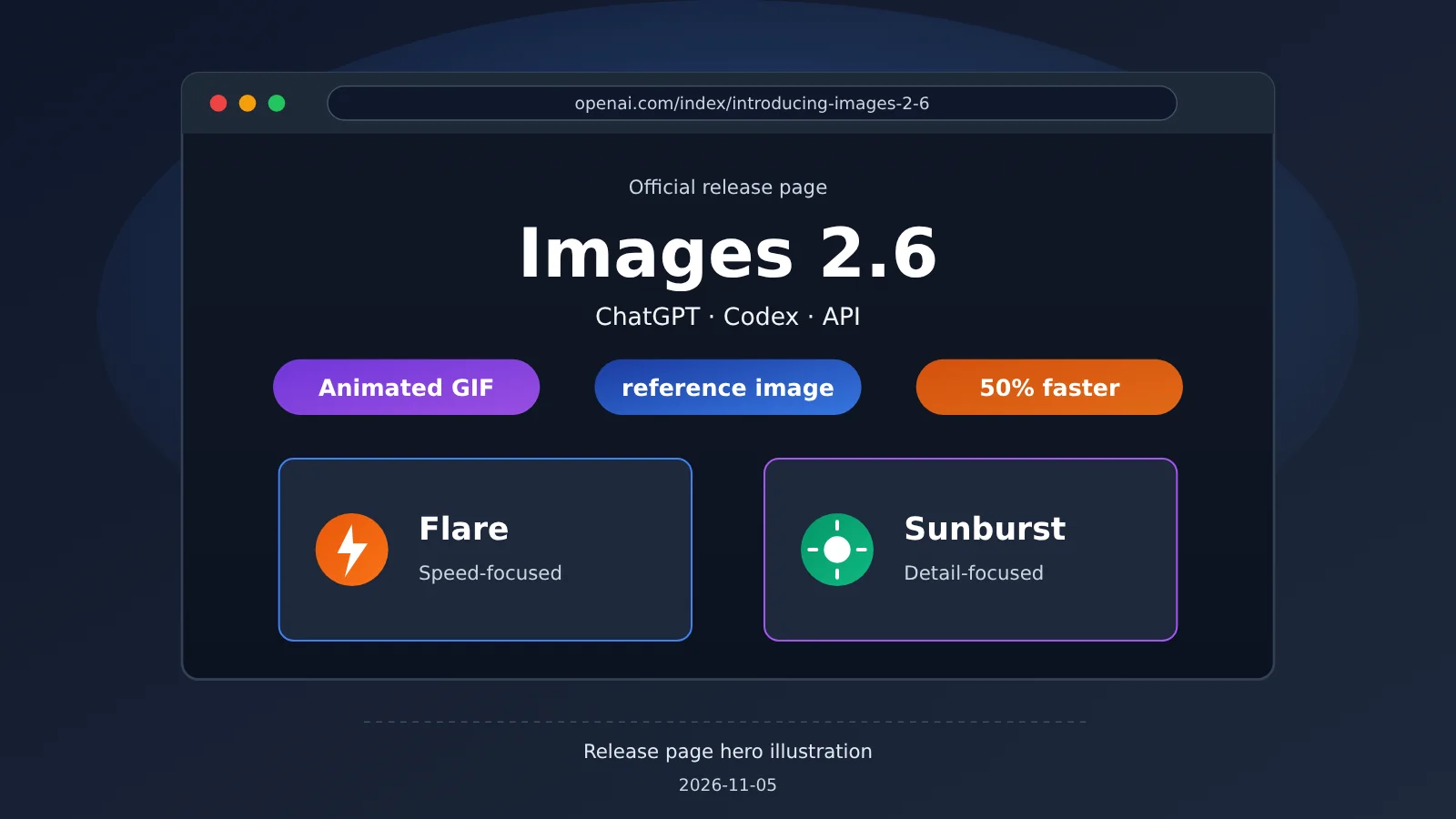
Caption: OpenAI’s official Images 2.6 release page. Source: openai.com/index/introducing-images-2-6, captured on 2026-11-05.
Four Things ChatGPT Images 2.6 Adds
According to OpenAI: Its blog, help center, and system card describe four main additions in Images 2.6: GIFs, reusable reference images, markup-based editing in the API, and SVG export in the API. There’s also a new API complexity parameter. Some features are available only in ChatGPT, while others are API-only, so check which interface you need before getting started.
| New feature | ChatGPT | API | Key limitations | Source |
|---|---|---|---|---|
| GIF animations | Generate looping animations from a prompt or uploaded image; adjust speed, edit individual frames, and share | output_format=gif, 2–64 frames |
Not supported by the edit endpoint; no streaming | OpenAI |
| Reusable reference images | Save reference images of yourself, pets, or characters for future use | Not specifically mentioned | Maximum number not disclosed | OpenAI |
| Markup-based editing | Photo markup is mentioned in the system card | Use a transparent PNG annotation layer to mark areas for changes | Can’t be used with a mask | OpenAI |
| SVG export | Not mentioned | output_format=svg |
Generation endpoint only; n must be 1 |
OpenAI |
| Complexity parameter | Not applicable | low / medium / high; defaults to high | No separate charge | OpenAI |
Images 2.6 GIFs and Reference Images: Two New ChatGPT Features
GIFs are the most immediately noticeable new feature. 【Official statement】OpenAI says you can adjust playback speed, edit individual frames, and share GIFs on a loop. 【Media reports】The Verge and Android Authority reported on 2026-11-04 that playback speed can be adjusted from 0.5x to 2x. That specific range comes from media reports; OpenAI’s post didn’t give numbers.
Reusable reference images eliminate the hassle of uploading the same image every time. They’re useful for social media teams creating a consistent character across a series of posts, or e-commerce teams repeatedly using the same model or mascot. 【Unknown】OpenAI hasn’t announced how many reference images you can save in ChatGPT, or the maximum GIF duration and file size. Teams should leave some room for those unknowns when planning bulk workflows.
Markup, SVG, and Complexity in the GPT-Image-2.6 API
Markup editing is like using a brush to show the model where to make changes. You upload a transparent PNG as a markup layer and circle or paint over the areas you want to modify. 【Official statement】The developer documentation lists these constraints:
- The markup layer must have the same width and height as the first input image. Each can contain at most 16,777,216 pixels.
- The markup file must not exceed 50 MB.
- It can’t be used with
maskorprompt_rewriter, and it only applies to the first input image.
SVG export is useful for brand assets and icons. It returns static vector content without scripts, externally linked resources, or embedded bitmaps, so you can add it directly to a design. It only works with v1/images/generations; the edit endpoint doesn’t support it. It also doesn’t support streaming, partial images, output_compression, or prompt_rewriter.
Complexity controls how much the model “plans,” not the level of rendering detail. Quality determines detail and fidelity. 【Official statement】OpenAI says there’s no separate charge for adjusting complexity. It recommends low complexity for faster results on most editing tasks, and medium or high for images with many elements or constraints.
How GPT-Image-2.6 Flare and Sunburst Compare
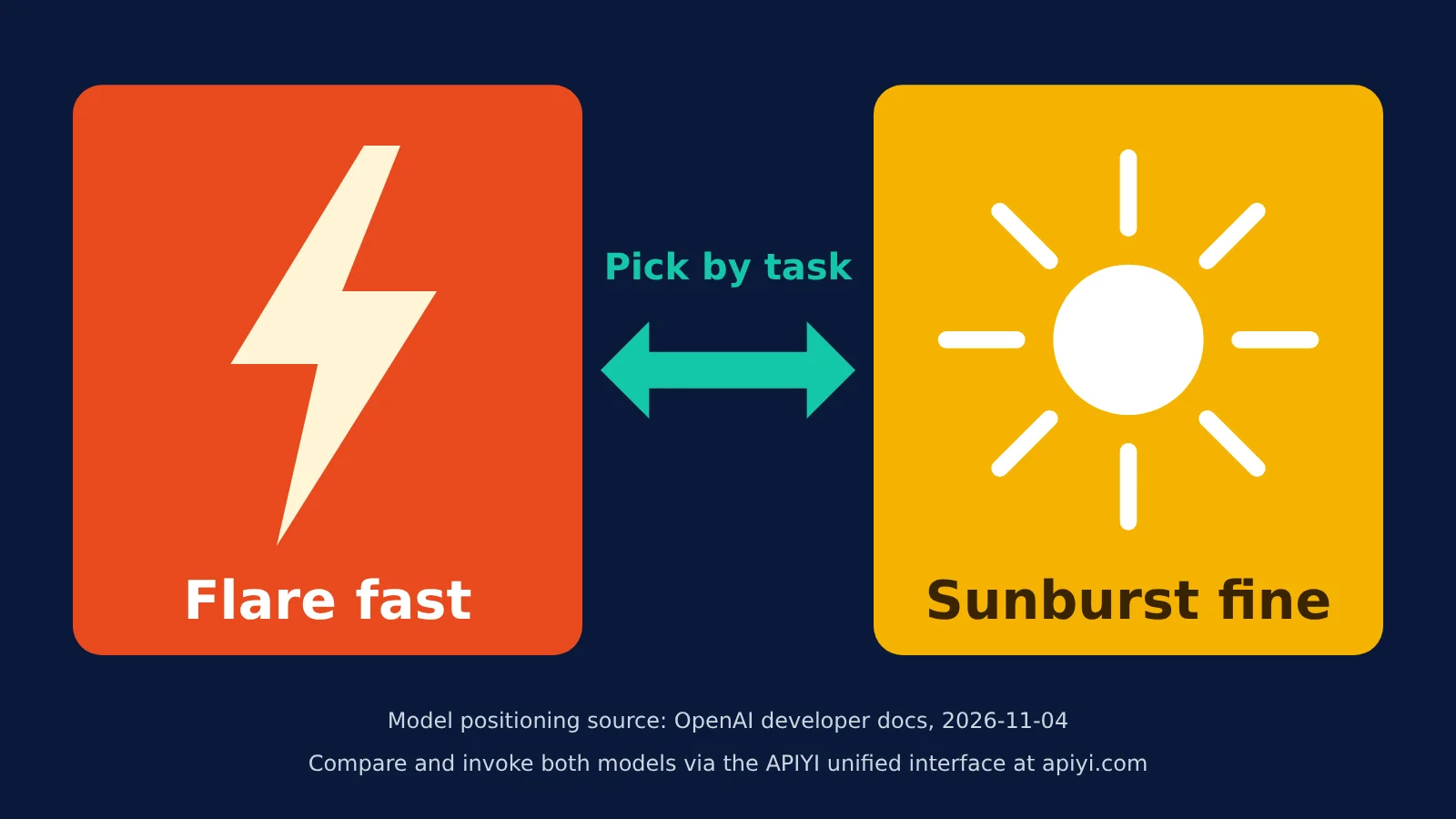
The two API models have distinct roles. According to OpenAI, Flare prioritizes speed: it can generate an image in as little as about 6 seconds at quality=low and offers improved layouts for posters and product images. Sunburst prioritizes detail, with stronger consistency across multiple rounds of editing at medium or high quality. Both models accept text and images as input and produce images as output.
| Dimension | GPT-Image-2.6 Flare | GPT-Image-2.6 Sunburst |
|---|---|---|
| Model ID | gpt-image-2.6-flare |
gpt-image-2.6-sunburst |
| Speed | As fast as about 6 seconds at low quality (according to OpenAI) | No separate timing provided |
| Detail retention | Good enough for most needs, with a focus on layout | Stronger, suited to medium/high |
| Multi-round editing consistency | Average | Stronger (according to OpenAI) |
| Best for | Posters, product images, bulk drafts, rapid iteration | Character continuity, brand refinement, multi-round revisions |
| Supported endpoints | v1/images/generations, v1/images/edits |
Same |
According to OpenAI, both models support only the Image API’s generation and editing endpoints. Chat Completions, Responses, Realtime, and Live aren’t supported. If your product currently generates images through a chat interface, you’ll need to create a separate image invocation workflow.
Three Rules for Choosing a GPT-Image-2.6 Model
- Need speed, volume, and layout-focused images? Choose Flare with
quality=lowandcomplexity=low. It’s a good fit for daily social media posts and bulk e-commerce drafts. - Need multiple rounds of revisions while keeping characters or products consistent? Choose Sunburst at medium or high quality. It’s suited to brand key visuals and recurring characters.
- Have lots of visual elements and constraints? Either model will work, but raise complexity to medium or high. There’s no extra charge; the main trade-off is time.
Images 2.6 Pricing: Token Rates Haven’t Changed, but What’s the Cost per Image?
Here’s the takeaway: According to OpenAI, the four unit-price entries for gpt-image-2.6-flare and gpt-image-2.6-sunburst are identical to those for the 2.5 Flare and Sunburst models. But OpenAI also notes that identical token rates don’t mean identical costs per image. The bill for each image depends on the actual number of tokens used.
Billing has three components, with all rates in US dollars per million tokens, as of 2026-11-04:
- Text tokens: $5/1M input, $1.25/1M cached input.
- Image input tokens (such as reference images or images to be edited): $8/1M input, $2/1M cached input.
- Image output tokens: $30/1M.
The table below comes from the cost calculator in OpenAI’s official image generation guide (GPT Image 2.6, 1024×1024). It includes image output costs only.
| Quality level | Output tokens | Image output cost (USD/image) | Best for |
|---|---|---|---|
| low | 823 | ≈ $0.02469 | Drafts, batch previews |
| medium | 1,449 | ≈ $0.04347 | Everyday social media images |
| high | 1,756 | ≈ $0.05268 | E-commerce main images, posters |
| xhigh | 3,122 | ≈ $0.09366 | Polished brand visuals |
| max | 7,024 | ≈ $0.21072 | High-fidelity assets for key campaigns |
This table doesn’t include text input, image input, or streamed partial image costs. In multi-turn editing, image input is charged again on each round. For multiple rounds of revisions with Sunburst, you’ll need to add up the costs across all rounds rather than look only at the output price for one image.
Images 2.6 Batch Discounts and Third-Party Price Comparisons
According to OpenAI, the 2.5 pricing page lists Standard image output at $30/1M and Batch at $15/1M. Unconfirmed: The 2.6 model page doesn’t repeat the Batch discount, and as of 2026-11-05, it’s unclear whether 2.6 gets the same discount. Before launching a large batch job, check your bill with a small-scale test.
Third-party rankings and pricing: In a comparison published on 2026-11-05, third-party reviewer OrcaRouter puts the price for a 2K scenario at approximately $0.0504/image for Nano Banana 2.1 and $0.053/image for Images 2.6 at high quality—a difference of less than 5%. These are third-party estimates based on a different scenario from the official 1024×1024 figures above, so don’t mix them directly.
Images 2.6 Capabilities, Limitations, and Safety
【Official claim】OpenAI lists four limitations in its developer documentation. They’re worth reading before choosing a model:
- Latency: Complex prompts can take up to 2 minutes. Flare’s 6-second time is its fastest case at low quality.
- Text rendering: Precise placement and clarity can still be unreliable. Posters with lots of text need human proofreading.
- Consistency: Character and brand consistency across multiple generations can still be unstable.
- Composition: Structured, layout-sensitive compositions may still be positioned incorrectly.
The “50% faster” claim also needs careful interpretation. 【Unknown】OpenAI hasn’t published a detailed test breakdown, so it’s unclear which image sizes and quality settings it applies to, or whether it includes queue time. The speedup in your own application could be higher or lower.
GPT-Image-2.6 Benchmarks: No Separate 2.6 Entries Yet
【Third-party leaderboard】DesignArena said on X that GPT Image 2.6 Sunburst ranked first in its Image Arena, ahead of 2.5 Sunburst. That’s a claim from the third-party leaderboard provider. As of 2026-11-05, no verifiable Elo score was available, and OrcaRouter’s review also labels it a vendor-cited arena result.
【Third-party leaderboard】When checked on 2026-11-05, Artificial Analysis ranked GPT Image 2.5 Sunburst first on AA-Image-T2I v2.1 with 1,224 points across 13,108 samples. It also ranked 2.5 Sunburst first on its editing leaderboard with 1,199 points across 18,300 samples. Neither leaderboard has an entry for GPT-Image-2.6 yet. These scores belong to 2.5 and shouldn’t be cited as 2.6 results.
How to Read the Images 2.6 System Card Safety Data
【Official claim】The system card compares 2.6 with its corresponding 2.5 baselines using 3,077 adversarial requests:
- Sunburst: Safe generations 76.15% → 75.50%, blocked policy-violating generations 21.94% → 22.78%, unblocked policy-violating outputs 1.92% → 1.72%.
- Flare: Safe generations 78.36% → 75.04% (statistically significant), blocked generations 20.15% → 22.81% (significant), unblocked policy-violating outputs 1.49% → 2.14% (not significant).
OpenAI’s conclusion is that overall performance is on par with 2.5, that individual regressions aren’t statistically significant, and that Sunburst produced fewer policy-violating images under the evaluation setup. When reading these figures, note that “unblocked policy-violating outputs” are the outputs that actually got through. Flare’s figure increased, but the change wasn’t statistically significant. GIFs introduce new risks: actions and meanings across frames can violate policies. OpenAI added GIF-specific blocking rules, but acknowledges that action-related violations remain difficult to detect completely.
For provenance, Images 2.6 continues to support C2PA and adds Google DeepMind’s invisible SynthID watermark to outputs from ChatGPT, Codex, and the API. For teams delivering images to clients, this means the finished images carry identifiable AI provenance information, which can help when explaining platform disclosure requirements.
Three ways to use ChatGPT Images 2.6
[Official claim] Images 2.6 is available globally across all ChatGPT and Codex subscription tiers, on the web, desktop, and mobile. According to OpenAI, people generate around 4 billion images a week through ChatGPT, Codex, and the API—more than 500 million a day on average. The three access options offer different capabilities.
| Access option | Best for | Capabilities | Billing | Notes |
|---|---|---|---|---|
| ChatGPT | Operations, design, e-commerce | GIFs, reusable reference images, editing | Subscription | Image generation with thinking is limited to Plus, Pro, and Business |
| Codex | Developers, product teams | Image generation and editing | Subscription | Useful for generating images during development |
| API | Product integrations, independent developers | Flare/Sunburst, GIF, SVG, markup, complexity | Per token | Image API endpoints only |
Key parameters for calling GPT-Image-2.6 through the API
When integrating the API, these parameters affect the results and cost:
model:gpt-image-2.6-flareorgpt-image-2.6-sunburst.- Endpoints: Use
v1/images/generationsfor generation andv1/images/editsfor editing. quality:low,medium,high,xhigh,max, orauto.complexity:low,medium, orhigh. Defaults tohighwhen omitted; there’s no separate charge.size: Recommended sizes are1024x1024,1536x1024, and1024x1536. Custom dimensions must be multiples of 16, with an aspect ratio from 1:3 to 3:1 and no side exceeding 3840 pixels. Sizes above 2560×1440 are experimental.- GIF: Set
output_format=gif.frame_countranges from 2–64 (default 9), andframe_duration_msranges from 20–2000 (default 200, rounded to the nearest 10ms). Available only on the generation endpoint. - SVG: Set
output_format=svg;nmust be 1. safety_identifier: Pass in a hashed username or email address, up to 128 characters. The olderuserparameter is deprecated.
[Unknown] OpenAI has provided parameter ranges for API-generated GIFs but hasn’t published samples showing actual image quality, file size, or generation time. Before launch, try a small image with the default 9 frames to see whether the file size meets your social media platform’s upload requirements.
Calling Flare and Sunburst on APIYI
If you want to compare image models from multiple providers with a single key, APIYI apiyi.com offers both gpt-image-2.6-flare and gpt-image-2.6-sunburst with pay-as-you-go pricing: $5/1M input tokens, $30/1M output tokens, and $1.25/1M cached-read tokens (checked at docs.apiyi.com/models on 2026-11-05). Available groups include Default, image2Enterprise, and SVIP.
To connect, set base_url to https://api.apiyi.com/v1 and use the OpenAI-compatible Images API. We recommend using the images endpoints to stay consistent with OpenAI’s statement that only the Image API is supported. Check the platform’s model list for current availability and pricing, and refer to the console for actual charges.
🚀 Quick-start tip: Use the free credit for new users at APIYI apiyi.com to run the same set of prompts with Flare at low quality and Sunburst at high quality, then decide which model to use as your primary choice.
APIYI also offers comparison models billed per request, such as gpt-image-2.5-all at $0.025 per request and gemini-nano-banana-2.1 at $0.045 per request (2026-11-05). These per-request prices are platform-side bundled rates, unlike OpenAI’s per-token pricing, so compare them separately.
ChatGPT Images 2.6 FAQ and Summary
Q1: Can the Images 2.6 API output GIFs?
Yes. [Official claim] Set `output_format=gif`. GIFs can have 2–64 frames, with each frame lasting 20–2000 milliseconds. This is only available through `v1/images/generations`. [Unknown] There are no official samples showing actual quality, file size, or generation time.
Q2: Does GPT-Image-2.6 have independent benchmark scores?
As of 2026-11-05, there are no independently verifiable scores. Neither of Artificial Analysis’s two leaderboards has an entry for 2.6. DesignArena’s claim that it’s “first” comes from a third-party leaderboard, and no public Elo score has been found.
Q3: Will GPT-Image-2.5 be retired?
[Unknown] The official sources reviewed haven’t announced a retirement date for 2.5, and both 2.5 and 2.6 currently appear on the official pricing page. Teams already running 2.5 in production can test the two models in parallel without rushing to switch.
Q4: How much does one Images 2.6 image cost?
According to the official calculator, image output for a 1024×1024 image costs approximately $0.02469 at low quality to $0.21072 at max quality (2026-11-04). Text and image input costs are charged separately. Calls through APIYI at apiyi.com are also billed by token. You can check the actual charge for each request in the console to calculate the cost per image.
Q5: Is it worth switching to Images 2.6 now?
Unit prices haven’t increased, and GIF, SVG, and markup are new capabilities, so it’s worth trying if you need them. If you only make static images and consistency is a priority, compare the models on a small batch using Sunburst before switching. APIYI’s unified interface at apiyi.com lets you quickly switch between 2.5 and 2.6 for comparison.
Images 2.6 Key Takeaways
- Positioning: Images 2.6 adds capabilities while keeping the same per-token pricing as 2.5.
- ChatGPT: Adds GIFs and reusable reference images. OpenAI reports that image generation is 50% faster.
- API: Adds markup, SVG, and GIF output, plus a free complexity parameter.
- Model selection: Choose Flare for speed and volume; choose Sunburst for detail and multi-turn consistency.
- Unknowns: Independent benchmarks, real-world GIF performance, reference image limits, and Batch discounts haven’t been confirmed.
- Getting started: Compare Flare and Sunburst with a single API key at APIYI apiyi.com.
Summary
Images 2.6 adds capabilities without raising prices, so teams that need GIFs, SVGs, or markup-based editing can try it right away. When integrating the API, start with Flare for high-volume workloads and use Sunburst for refinement. Track token usage to calculate the actual cost of each editing round. Until independent leaderboards publish scores for 2.6, treat DesignArena’s “first place” as a reference point rather than a conclusion. Try it on your own assets using the free credit at APIYI apiyi.com.
References
- OpenAI official blog, “Introducing Images 2.6”: Release notes and availability
- Link:
openai.com/index/introducing-images-2-6 - OpenAI developer documentation: GPT-Image-2.6 Flare / Sunburst model pages: Parameters and limitations
- Link:
developers.openai.com/api/docs/models/gpt-image-2.6-flare - Link:
developers.openai.com/api/docs/models/gpt-image-2.6-sunburst - OpenAI pricing: Token prices
- Link:
developers.openai.com/api/docs/pricing - ChatGPT Images 2.6 system card: Safety evaluations and provenance labeling
- Link:
deploymentsafety.openai.com/chatgpt-images-2-6 - OpenAI Help Center, “Images in ChatGPT”: Subscription tiers and access
- Link:
help.openai.com/en/articles/11084440-images-in-chatgpt - The Verge coverage: ChatGPT GIF feature (2026-11-04)
- Link:
theverge.com/ai-artificial-intelligence/1026474/openai-chatgpt-animated-gifs-images-2-6 - APIYI model list: Platform models and pricing
- Link:
docs.apiyi.com/models
Author: APIYI Technical Team
Technical discussions: Contact us through the APIYI homepage at apiyi.com. For more integration resources, visit the documentation center at docs.apiyi.com.